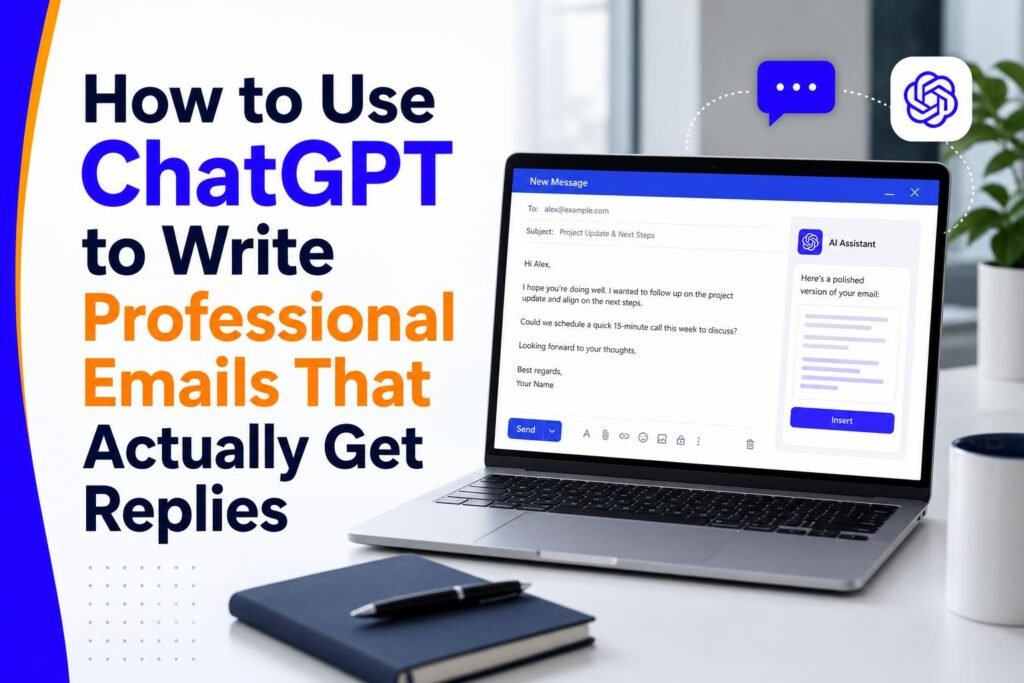
Email remains the primary formal communication channel for Singapore business. Proposals go by email. Payment chasers go by email. Complaints, apologies, negotiations, and job applications all go by email. The quality of your emails directly affects how you are perceived professionally, how quickly people respond to you, and whether deals happen or stall.
Most people are not naturally good email writers. Staring at a blank screen trying to phrase something diplomatic, professional, and effective takes time and mental energy. ChatGPT eliminates this problem entirely. With the right prompts, it can draft emails that are better than what most people write on their own – in seconds rather than minutes.
The Core Principle: Context is Everything
The single most important rule for getting good email drafts from ChatGPT is to give it rich context. The more information you provide, the better the output. Vague instructions produce vague emails. Specific instructions produce specific, effective emails.
A bad prompt: Write me an email to a client about a late payment.
A good prompt: You are a Singapore business owner writing to a corporate client. The invoice for $8,500 SGD was due 21 days ago. This is the second reminder. The client has been unresponsive to the first email. Write a firm but professional payment reminder that conveys urgency without damaging the business relationship. Include a specific deadline of this Friday and request confirmation of expected payment date. Keep it under 150 words.
The second prompt produces a genuinely useful draft. The first produces something generic that will need significant editing to be useful. The additional 30 seconds you spend writing a better prompt saves you 5 minutes of editing the output.
The Email Prompt Formula
Use this structure for every email prompt: Role (you are a Singapore [professional]) plus Recipient (writing to [describe who]) plus Context (the situation is [explain]) plus Goal (the email should achieve [specific outcome]) plus Tone (the tone should be [professional/warm/firm/apologetic]) plus Constraints (keep it under [word count], include [specific elements]).
This formula works for virtually every business email situation. Once you memorise it, writing effective email prompts takes about the same time as it used to take to stare at a blank screen before starting to type.
15 Singapore Business Email Situations with Exact Prompts
Chasing a late payment (first reminder): You are a Singapore SME owner writing a first payment reminder to a client. Invoice number INV-2026-047 for $3,200 SGD was due 14 days ago. The relationship is good and this is unusual for them. Write a polite, professional first reminder that assumes good faith and requests payment or an update within 3 business days. Under 120 words.
Asking a supplier for a discount: You are a Singapore business owner writing to a long-term supplier of 4 years. You want to negotiate a 12% discount on your upcoming bulk order, which is 30% larger than your average order. Write a professional negotiation email that acknowledges the relationship, makes a specific case for the discount based on order volume and loyalty, and leaves room for counter-offer.
Cold outreach to a potential client: You are a Singapore AI consultant writing to the CEO of a 50-person Jurong manufacturing company. You help SMEs implement AI tools to reduce administrative overhead. Write a cold outreach email that is specific to their industry, mentions one concrete result you achieved for a similar client, and asks for a 20-minute discovery call. Avoid generic language. Under 180 words.
Declining a request politely: You are a Singapore professional declining a request to speak at an event because your schedule is full. Write a warm, genuine decline that acknowledges the value of the event, expresses genuine regret at not being able to participate, and leaves the door open for future collaboration without making a promise you cannot keep.
Responding to a complaint: You are a Singapore service business owner responding to a client complaint about a delayed project. The delay was caused by a third-party supplier issue that was outside your control but that does not excuse the lack of communication. Write a response that takes full responsibility for the communication failure, explains briefly without excusing, offers a concrete remedy (2 weeks free service extension), and commits to a specific timeline for completion.
Following up after a meeting: You are a Singapore business development manager following up after a first meeting with a prospect yesterday. The meeting went well, they expressed interest in your SaaS product but mentioned they need internal approval. Write a follow-up that thanks them for their time, summarises the 3 key points that resonated with them from the meeting, provides the next steps you discussed, and offers to prepare a formal proposal. Professional but warm tone.
Asking for a testimonial: You are a Singapore freelance designer asking a happy client for a Google review and LinkedIn recommendation. The project was completed 2 weeks ago and the client expressed strong satisfaction. Write a friendly, specific request that makes it easy for them by suggesting what aspects of the experience they might mention, and provides the direct Google review link placeholder. Under 150 words.
Saving Your Best Prompts for Reuse
Once you develop prompts that consistently produce excellent results for your most common email types, save them somewhere accessible – a Google Doc, a Notion page, or a note on your phone. Over time you will build a personal library of battle-tested prompts that cover every email situation you regularly face.
Many Singapore professionals keep these saved prompts as Gmail Templates (canned responses). They save the AI-generated draft as a template, and when they need that type of email, they call up the template, make the specific adjustments for the current situation, and send. This reduces the time for common email types to under two minutes.
Reviewing and Personalising AI Email Drafts
One non-negotiable rule: always review and personalise every AI-generated email before sending it. ChatGPT produces a high-quality draft, not a finished email. Before sending, check that all the specific details are accurate – names, amounts, dates, company names. Adjust any phrases that do not sound like how you naturally speak. Add any personal touches that reflect your relationship with the recipient.
A good test: after reading the draft, ask yourself – does this sound like something I would write? If there are phrases or expressions that feel out of character, change them. The email should represent you, enhanced by AI assistance, not replaced by it.
Using ChatGPT to Improve Emails You Have Already Written
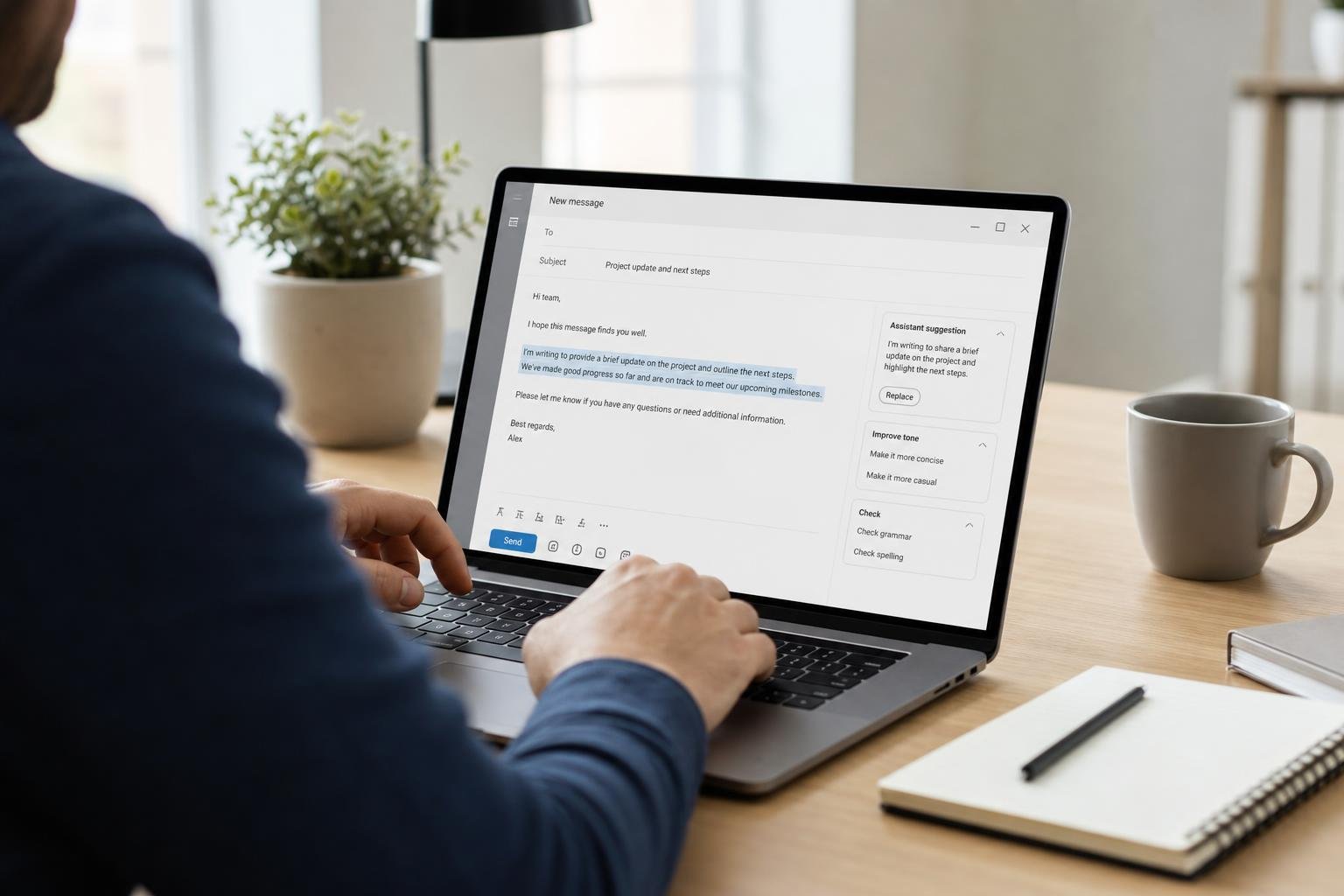
ChatGPT is also excellent for improving drafts you have already written. Paste your draft and ask: review this email for clarity, professionalism, and tone. Suggest specific improvements. Keep the changes minimal – I want to preserve my own voice. This reverse use case – editing your own writing rather than generating from scratch – often produces better results because you retain full control of the message while benefiting from AI editing feedback.
Related reading on Agent Setup SG
- AI Tools for Singapore Students: Study Smarter and Get Ahead in 2026
- How to Use AI for Your Singapore Hawker Business (Practical Guide)
- How to Use Perplexity AI Instead of Google: The Complete Singapore Guide
FAQ: How to Use ChatGPT to Write Professional Emails That Actually Get Replies
Is this suitable for beginners in Singapore?
Yes. This guide is written for practical beginners and focuses on clear steps.
Do I need paid tools to start?
No. You can start with free options and upgrade only when results justify it.
How quickly can I implement this?
Most people can complete a first setup in under one hour, then improve it over time.
What should I track first?
Track one key outcome such as leads, response rate, time saved, or conversion.
What common mistake should I avoid?
Do not skip the basics. Clear setup and consistent usage matter more than fancy features.
Free resource for Singapore readers: Want to save time and money with AI starting today? Download the free Singapore AI Cheat Sheet, 10 prompts made for Singaporeans, plus a free 7-day email course delivered straight to your inbox. Grab it now at agentsetupsg.com/free instead.