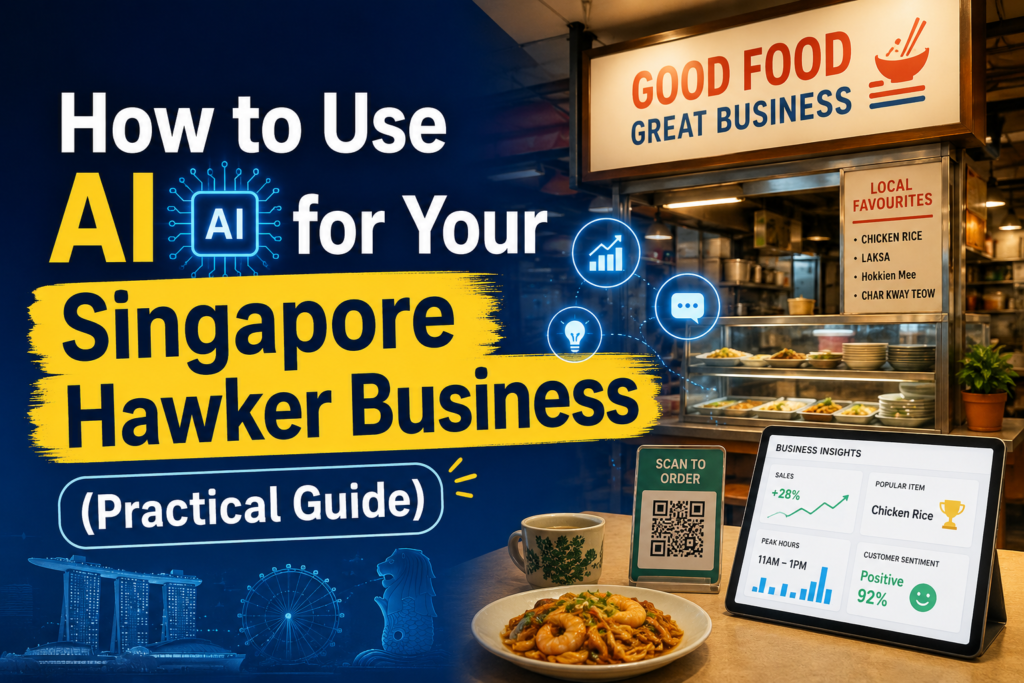
Singapore’s hawker culture is one of our greatest national treasures. We have UNESCO-listed hawker centres, Michelin-starred hawker stalls, and some of the most dedicated food craftspeople anywhere in the world. But here is the reality of running a hawker stall in 2026: great food alone is no longer enough to guarantee customers. Younger Singaporeans discover where to eat through Instagram, TikTok, and Google Maps. They check reviews before they queue. They order through GrabFood and FoodPanda. And they choose stalls with a visible online presence over ones they cannot find online. Here’s How to Use AI for Your Singapore Hawker Business.
The good news is that AI tools have made it possible for hawker stall owners to build a proper online presence without hiring anyone, without spending much money, and without needing any technical skills. If you can use WhatsApp, you can use these tools. This guide shows you exactly what to do, step by step.
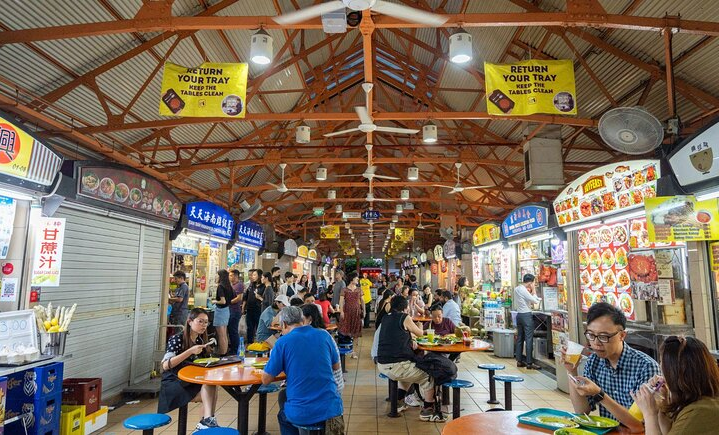
Why Most Singapore Hawkers Are Missing Out Online
The most common situation we see is a hawker stall with exceptional food and zero online presence. No Instagram account, or one that was set up years ago and abandoned after three posts. No responses to Google reviews — including the negative ones that are pushing potential customers away. No listings on food delivery platforms, or listings with poor photos and generic descriptions that do not make the food sound appealing.
The reason is not that hawker owners do not care. It is that running a stall is physically and mentally exhausting. You are up before dawn, you are on your feet for hours, and by the time the lunch rush is over you have neither the time nor the energy to think about Instagram content. Marketing feels like something for bigger businesses with dedicated staff.
AI changes this equation completely. What used to require hours of work — writing captions, designing graphics, responding to reviews — now takes minutes.
Tool 1: ChatGPT for Social Media Content
ChatGPT can write your Instagram captions, Facebook posts, and TikTok descriptions for you. You tell it what you sell and what makes your stall special, and it gives you ready-to-use content that sounds genuinely engaging. You do not need to write anything from scratch.
Here is an exact prompt you can use right now. Go to chat.openai.com, create a free account, and type this: I run a Singapore hawker stall at [name of hawker centre] in [location]. I sell [your dishes]. Write me 5 Instagram captions that will make people want to come and try my food. Make them sound warm, local, and authentic. Include a call to action to visit us or order on GrabFood.
ChatGPT will give you 5 captions immediately. Read through them, pick the one that sounds most like you, make small adjustments if anything feels off, and post it. This takes five minutes total. Do this once a week and you will have consistent, professional-sounding social media content without any of the effort.
You can also ask ChatGPT to write content specifically for different occasions. Before a public holiday: Write a Deepavali greeting for my hawker stall that also mentions we will be open on the holiday serving [your dishes]. Before school holidays: Write a post telling families about our hawker stall and why it is a great affordable option for family lunch during the June holidays.

Tool 2: Canva AI for Photos and Graphics
You do not need a photographer. The photos on your phone — even imperfect ones taken quickly between customers — can be turned into professional-looking social media posts using Canva. Canva is a free design tool with AI features that make it particularly powerful for non-designers.
Download the Canva app on your phone. Create a free account. Search for food social media post in the template search and you will find hundreds of attractive food-focused templates. Pick one that suits your stall’s vibe, upload your food photo, replace the text with your dish name and stall information, and download it. The whole process takes about 10 minutes the first time and less than 5 minutes once you get used to it.
Canva’s AI features can also remove the background from your food photos so you can place them on clean backgrounds, write caption suggestions using their Magic Write feature, and automatically resize your design for different platforms.

Tool 3: ChatGPT for Google Review Responses
Google reviews have a direct impact on how many new customers find your stall. Stalls with more reviews and higher ratings appear more prominently in Google Maps searches. And stalls that respond to reviews — especially negative ones — consistently outperform those that do not, because responses show potential customers that the owner cares about their experience.
For positive reviews, use this prompt: Write a warm, personal response to this Google review for my hawker stall. The reviewer said: [paste the review]. Make it genuine and mention that we hope to see them again soon.
For negative reviews, use this prompt: Write a professional and empathetic response to this negative Google review. The reviewer said: [paste the review]. Acknowledge their experience, apologise for falling short, briefly explain if there was an unusual circumstance, and invite them to give us another chance. Keep the tone warm and avoid being defensive.
ChatGPT will write you a response in seconds. Review it, adjust anything that does not feel right, and post it. A well-handled negative review often does more to build customer trust than a positive one, because it shows accountability.

Tool 4: Optimising Your Food Delivery Listings
If your stall is on GrabFood or FoodPanda, your menu descriptions are one of your most important marketing assets. Appetising, specific descriptions increase click-through rates and order conversions. Generic descriptions leave money on the table.
Use ChatGPT to rewrite your menu descriptions with this prompt: Write an appetising menu description for [dish name]. The dish consists of [describe the main ingredients and preparation]. It is a Singapore classic. Keep the description under 60 words and make it sound genuinely delicious without being overly fancy.
Do this for every item on your menu. The improvement in how your listing reads and the resulting increase in orders is often immediately noticeable.

Tool 5: Setting Up WhatsApp Business for Reservations and Enquiries
If your stall takes pre-orders, catering enquiries, or reservation requests, WhatsApp Business is a free tool that makes managing these much more professional. Set up quick replies — saved responses to common messages — so you do not have to type the same answer every time someone asks about your operating hours, minimum order for catering, or whether you can accommodate dietary requirements.
Use ChatGPT to write your quick reply templates: Write a professional but friendly WhatsApp auto-reply for a Singapore hawker stall that explains our operating hours are [hours], we are located at [location], and customers can view our menu at [GrabFood link]. Keep it under 100 words.
A Simple Weekly Routine Using AI
You do not need to do all of this at once. Start with the highest-impact activity: responding to your Google reviews. Spend 10 minutes once a week using ChatGPT to draft responses to any new reviews. Then, when you have that habit established, add one Instagram post per week using the ChatGPT caption prompt and a Canva template. Then update your delivery platform descriptions. Build up gradually.
Singapore hawker stalls that have adopted even this simple AI-assisted routine consistently report increased foot traffic within 60 to 90 days. The investment is minimal — the free plans of ChatGPT and Canva handle everything described in this guide. The return, in terms of new customers discovering your stall and existing customers returning more often, is significant.
Where to Start Today
Open chat.openai.com on your phone right now. Create a free account. Type in the Instagram caption prompt with your stall’s details. Read what ChatGPT gives you. Post the best one on your Instagram or Facebook today. That is your starting point. Everything else you can learn and add over time. The most important thing is to start.