How to Set Up an AI Chatbot for Your Website (Singapore Step-by-Step 2026)
An AI chatbot on your website answers customer questions instantly, day and night, captures leads while you sleep, and frees you from repeatedly typing the same answers. For Singapore businesses, where customers expect fast responses and a single missed enquiry can mean a lost sale, a well-set-up chatbot is one of the highest-value, lowest-cost upgrades you can make.
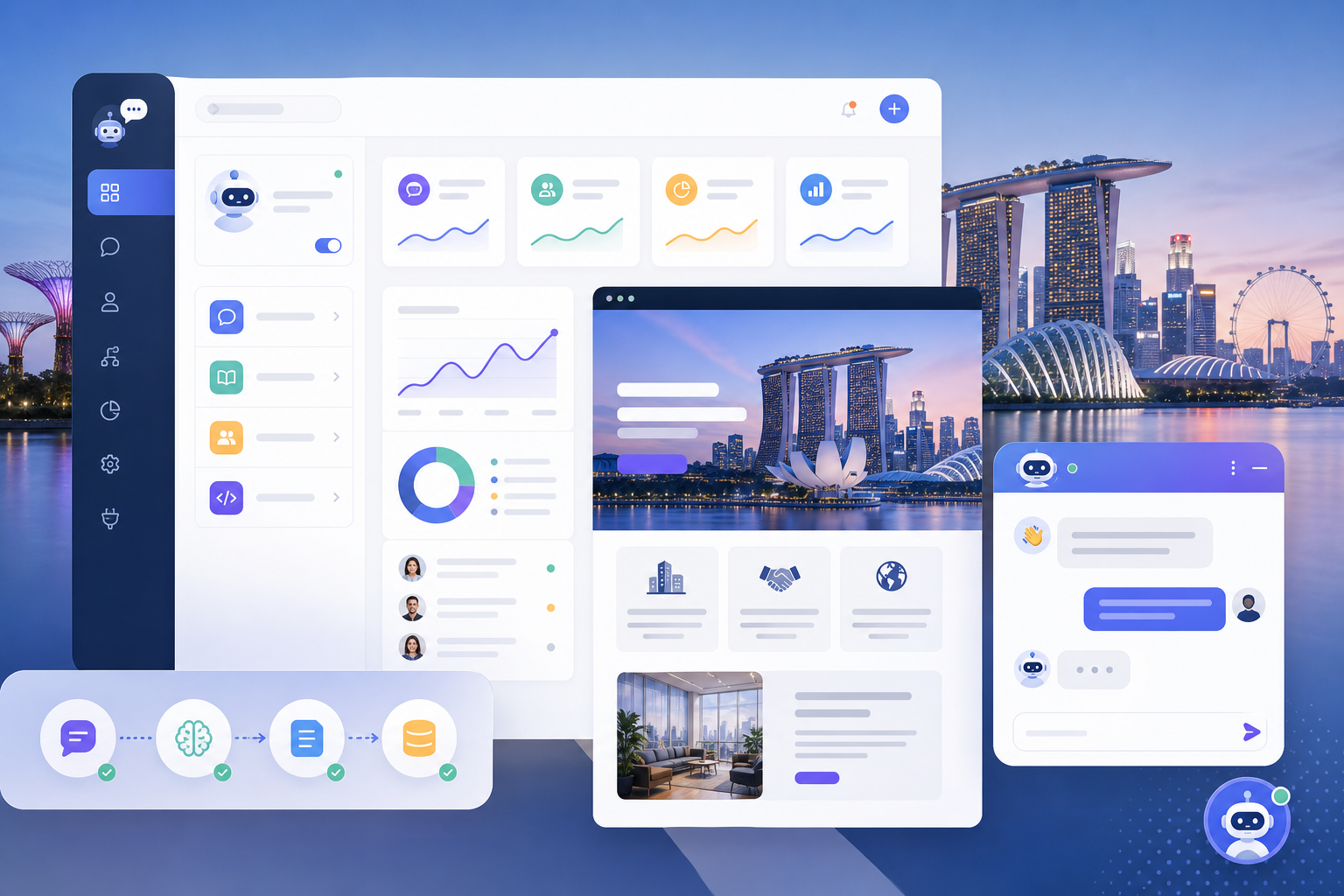
The good news: you do not need any coding skills, and you can get a basic chatbot running for free. This guide walks you through the whole process step by step, using beginner-friendly tools.
—
What an AI Chatbot Can Do for Your Business
Before setting up, understand what a modern AI chatbot actually does:
- **Answer FAQs instantly:** Opening hours, pricing, location, services, policies
- **Capture leads:** Collect names, emails, and enquiries even when you are offline
- **Qualify customers:** Ask questions to understand what visitors need
- **Route conversations:** Hand off complex queries to you via email or WhatsApp
- **Provide support 24/7:** Help customers any time, in any time zone
- **Book appointments:** Some integrate with booking systems
A good chatbot can handle a large share of routine enquiries automatically, leaving only the genuinely complex ones for you.
—
Choosing the Right Chatbot Tool
There are two broad approaches:
Rule-based and hybrid chatbots (easiest): These follow set flows and answer predefined questions, with some AI capability. Tools like Tidio, Chatbase, and others. Great for most small businesses, easy to set up, often free to start.
AI-powered chatbots (most capable): These use AI models to understand and answer questions more naturally, often trained on your website content and documents. Tools like Chatbase, Chatling, and similar can be “trained” on your content to answer almost anything.
For this guide, we will cover two popular, beginner-friendly options: Tidio (great all-rounder with live chat and chatbot features) and Chatbase (great for an AI bot trained on your own content). The principles apply to most similar tools.
—
Option A: Setting Up Tidio (Beginner-Friendly All-Rounder)
Tidio combines live chat, chatbots, and AI features, with a free plan to start.
Step 1: Create Your Account
- Go to **tidio.com**
- Click **Sign up** and create a free account
- Enter your business details and website URL when prompted
Step 2: Install Tidio on Your Website
How you install depends on your website platform:
For WordPress:
- In your WordPress dashboard, go to **Plugins > Add New**
- Search for **Tidio**
- Install and activate the plugin
- Connect it to your Tidio account
For Shopify, Wix, Squarespace: Tidio has dedicated apps or integrations. Follow the connection steps in your Tidio dashboard for your platform.
For any website (manual): Tidio gives you a snippet of code to paste before the closing tag of your site. If you are not comfortable with this, ask your web developer, it takes two minutes.
Step 3: Set Up Your Chatbot Flows
- In Tidio, go to the **Chatbots** section
- Use a template or start from scratch
- Build conversation flows for common scenarios:
- Welcome greeting
- Answering FAQs (hours, pricing, location)
- Capturing contact details
- Routing to you for complex questions
Tidio uses a visual, drag-and-drop builder, so you connect steps without coding.
Step 4: Add Your FAQ Content
Enter the questions your customers commonly ask and the answers you want the bot to give. The more thorough you are, the more the bot can handle on its own.
Step 5: Enable AI Features
On eligible plans, Tidio’s AI (Lyro) can answer questions more naturally based on your content. Turn it on and provide your business information so it can respond intelligently.
Step 6: Test and Go Live
- Use the preview to test the chatbot as a customer would
- Try common questions and check the responses
- Adjust any flows that do not work smoothly
- Once happy, it is already live on your site
—
Option B: Setting Up Chatbase (AI Bot Trained on Your Content)
Chatbase lets you create an AI chatbot trained specifically on your own website and documents, so it can answer detailed questions about your business naturally.
Step 1: Create Your Account
- Go to **chatbase.co**
- Sign up for an account (free tier available to try)
Step 2: Create a New Chatbot and Add Data Sources
- Click to create a new chatbot or “agent”
- Add your data sources, this is what the bot learns from:
- **Website:** Enter your website URL and let it crawl your pages
- **Documents:** Upload PDFs, docs, or text files (FAQs, product info, policies)
- **Text:** Paste information directly
- **Q&A:** Add specific question-and-answer pairs
The bot will be trained on everything you provide, so include all the information you want it to know.
Step 3: Configure the Bot’s Behaviour
- Set the bot’s name and personality
- Write instructions for how it should behave (tone, what to do when it does not know an answer, when to collect contact details)
- Set a fallback message for questions it cannot answer, ideally directing the customer to contact you
Step 4: Customise the Appearance
Adjust the chat widget’s colours, position, and welcome message to match your brand.
Step 5: Test Thoroughly
Ask the bot a wide range of questions, including tricky ones. Check that it answers accurately and does not make things up. If it gives wrong answers, improve your training data with clearer information.
Step 6: Embed on Your Website
- Chatbase provides an embed code or integration options
- For most websites, copy the provided snippet and paste it into your site (before the closing body tag), or use the platform-specific integration
- For WordPress, you can paste the code using a plugin like “Insert Headers and Footers” or your theme’s custom code area
Step 7: Monitor and Improve
Review the conversations your bot has. See what customers ask and where the bot struggles, then update your training data to keep improving it.
—
Best Practices for a Great Chatbot
Set clear expectations. Let visitors know they are chatting with an AI assistant and that they can reach a human if needed. Honesty builds trust.
Always provide a human escape route. Make it easy for customers to reach a real person for complex or sensitive matters. A bot should help, not trap.
Keep answers accurate. Especially with AI bots, test thoroughly to ensure it does not give wrong information. Wrong answers damage trust. Update its knowledge whenever your business details change.
Capture leads gracefully. Use the bot to collect contact details naturally, but do not be pushy. Offer value first.
Protect privacy. Be mindful of the PDPA. Inform users how their data is handled, and do not collect more personal information than you need. Include a link to your privacy policy.
Match your brand. Customise the bot’s tone and appearance so it feels like part of your business, not a generic widget.
—
What It Costs
| Tool | Free Tier | Paid Plans |
|——|———–|————|
| Tidio | Yes, with limits | From ~USD $29/month |
| Chatbase | Limited free trial | From ~USD $19/month |
For many small businesses, the free or entry-level tiers are enough to start. As your enquiry volume grows, upgrading pays for itself in time saved and leads captured.
—
Getting Started Today
- Choose your tool: Tidio for an easy all-rounder, Chatbase for an AI bot trained on your content.
- Gather your FAQ content and any documents the bot should know.
- Set up, train, and customise the bot following the steps above.
- Test thoroughly before relying on it.
- Embed it on your website and monitor real conversations.
- Keep improving it based on what customers actually ask.
Within an afternoon, you can have an AI chatbot answering your customers around the clock, capturing leads you would otherwise miss, and freeing you from repetitive enquiries. For a Singapore business competing on responsiveness, that is a genuine edge.
—
Want help building a complete customer-service AI system for your business? The AgentSetupSG playbook series gives Singapore businesses practical, step-by-step setups.