
How to Build an AI-Powered Telegram Bot: Step-by-Step (2026)
Telegram is hugely popular in Singapore, for communities, businesses, customer groups, and personal productivity. An AI-powered Telegram bot lets you put an intelligent assistant right inside the app: it can answer questions, provide information, help your community, or act as a personal AI you can message anytime. Best of all, you can build one without being a programmer, thanks to no-code automation tools.
This guide walks you through building an AI Telegram bot from scratch, step by step. You will create the bot, connect it to an AI model like ChatGPT or Gemini, and have it answering messages intelligently. We will use a no-code approach so anyone can follow along.
—
What You Are Building
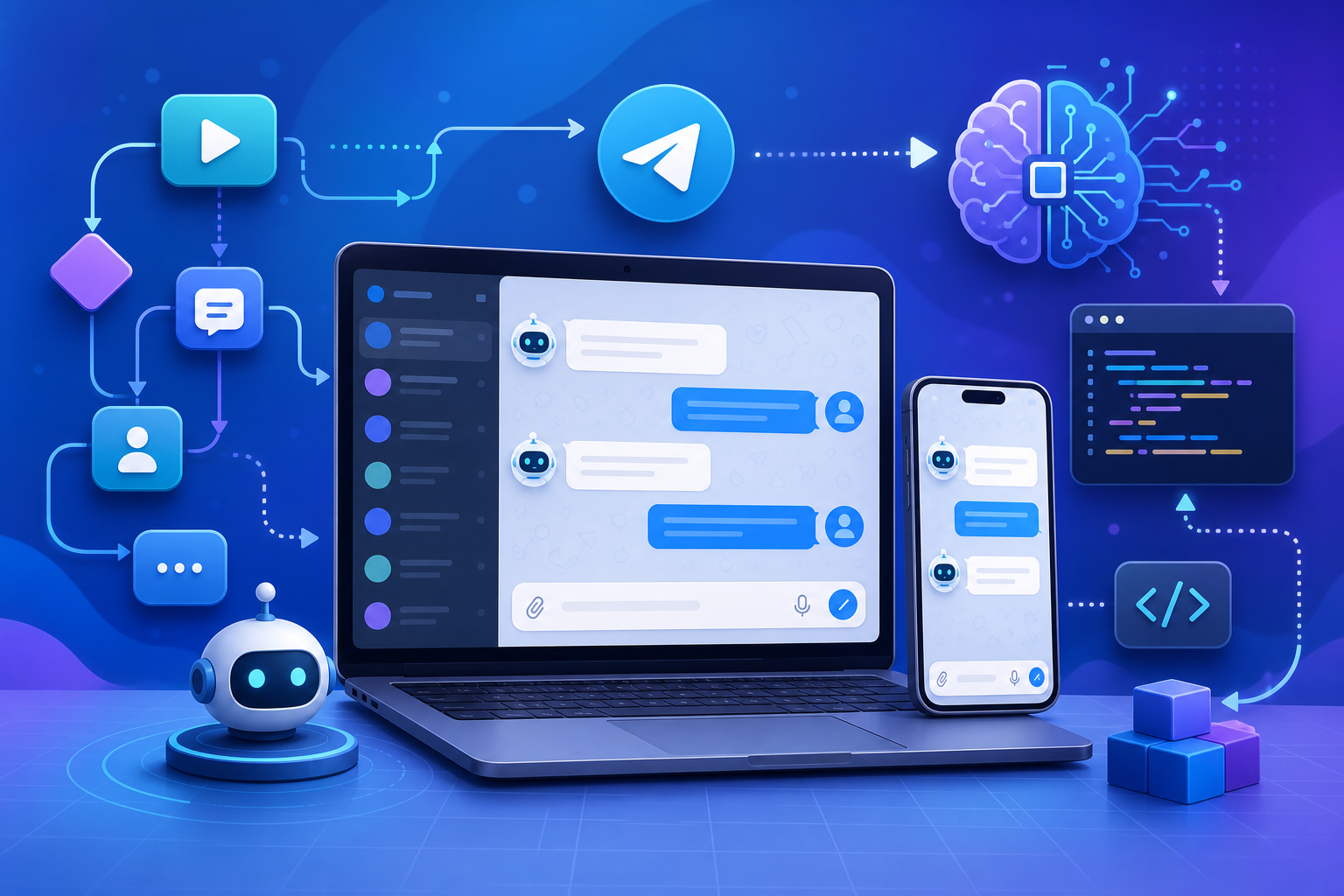
The bot you will create works like this:
- A user sends a message to your Telegram bot
- The message is passed to an AI model (ChatGPT, Gemini, or similar)
- The AI generates a response based on your instructions
- The response is sent back to the user in Telegram
The result is an AI assistant living inside Telegram, available to you, your customers, or your community, 24/7. You can shape its personality and knowledge entirely through instructions.
—
What You Will Need
- A **Telegram account** (free)
- A **no-code automation tool**: Make.com or n8n work well (both have free options; n8n can be self-hosted for free)
- Access to an **AI model**: an OpenAI API key (for ChatGPT) or a Google Gemini API key
- About **30 to 60 minutes** for your first bot
No coding required. The automation tool handles the technical connections.
—
Part 1: Create Your Telegram Bot with BotFather
Telegram has a built-in tool called BotFather that creates bots. This part is quick.
Step 1: Open BotFather
- In Telegram, search for **BotFather** (look for the official verified account with a blue tick)
- Start a chat with it
Step 2: Create a New Bot
- Send the command **/newbot**
- BotFather asks for a **name** for your bot (this is the display name, e.g. “My Cafe Assistant”)
- Then it asks for a **username**, which must end in “bot” (e.g. “mycafe_assistant_bot”) and be unique
- Once done, BotFather gives you a **token**, a long string of letters and numbers
Step 3: Save Your Token Safely
This token is the key to controlling your bot. Copy it and store it somewhere safe and private. Never share it publicly, anyone with the token can control your bot.
Your bot now exists on Telegram, but it cannot do anything intelligent yet. That is what the next part adds.
—
Part 2: Connect Your Bot to AI Using Make.com
Now we give the bot a brain by connecting it to an AI model.
Step 1: Set Up Your Tools
- Create a Make.com account (free to start)
- Have your Telegram bot token ready
- Have your AI API key ready (OpenAI for ChatGPT, or Google for Gemini)
Step 2: Create a New Scenario
- In Make.com, click to create a new scenario
- You will build a flow with three main parts: receive the Telegram message, send it to AI, send the AI reply back
Step 3: Add the Telegram Trigger
- Add a **Telegram Bot** module as the trigger
- Choose **Watch Updates** (this listens for new messages to your bot)
- Connect it by entering your bot token
- This module now captures every message sent to your bot
Step 4: Add the AI Module
- Add an **OpenAI** module (or Google Gemini, depending on your choice)
- Connect it with your API key
- Choose the chat/completion action
- Write your system instructions and map in the user’s message:
You are the assistant for [purpose, e.g. "Sunrise Cafe in Singapore"].
Answer the user's question helpfully and concisely in a friendly tone.
Our details: [hours, location, menu highlights, etc.]
If you do not know something, say so politely.

User message: [mapped message text from Telegram]
Step 5: Add the Telegram Reply
- Add another **Telegram Bot** module
- Choose **Send a Message**
- For the chat ID, map the chat ID from the trigger (so the reply goes to the right person)
- For the message text, map in the AI’s response from the previous step
Step 6: Test Your Bot
- Run the scenario in Make.com
- In Telegram, send a message to your bot
- Within moments, your bot should reply with an AI-generated answer
- If it does not work, check your mappings (especially the chat ID and message text) and your API connections
Step 7: Turn It On
- Once it works, set the scenario to run continuously (schedule it to run on a short interval, or use instant triggering if available)
- Your AI Telegram bot is now live and answering messages automatically
—
Building the Same Bot with n8n
If you prefer n8n (which you can self-host for free, popular with those who want full control and lower costs), the concept is identical:
- **Telegram Trigger node:** Listens for messages to your bot (enter your bot token)
- **AI node** (OpenAI, Google Gemini, or the AI Agent node): Processes the message with your instructions
- **Telegram node:** Sends the reply back, using the mapped chat ID
n8n’s visual canvas makes the flow easy to see. It is a great choice if you want to keep costs down by self-hosting, or build more advanced logic later.
—
Making Your Bot More Useful
Once the basics work, you can extend your bot:
Give it memory of the conversation. Basic setups treat each message separately. For more natural chats, store recent conversation context (more advanced, but doable in Make.com or n8n with a data store).
Add knowledge about your business. Put detailed information in the AI instructions, or connect a knowledge source, so the bot answers accurately about your specific business.
Handle commands. Telegram bots support commands like /start and /help. You can detect these and respond with set messages (e.g. a welcome message on /start).
Add buttons and menus. Telegram supports interactive buttons. You can build menus for common actions alongside the AI chat.
Route to a human. For complex requests, have the bot collect details and notify you (e.g. send yourself a message or email) so you can follow up personally.
—
Practical Uses for an AI Telegram Bot
Customer support bot: Answer customer questions about your products, hours, and services inside Telegram.
Community assistant: If you run a Telegram group or channel, a bot can answer common member questions automatically.
Personal AI assistant: Build a private bot just for yourself, message it anytime to ask questions, draft text, or get help, like having ChatGPT in your Telegram.
Lead capture: Have the bot answer enquiries and collect contact details from interested customers.
Internal team tool: A bot that answers staff questions from your internal documents or procedures.
—
Important Considerations
Protect your tokens and keys. Both your Telegram bot token and your AI API key are sensitive. Never expose them publicly. If either leaks, regenerate it.
Mind the costs. The AI API usage costs money based on how much it is used (though free tiers and low rates make small bots cheap). A public bot that gets heavy traffic will use more. Monitor usage.
Set guardrails. Instruct your AI clearly on what it should and should not do, especially for a public-facing bot. Tell it to stay on topic and not make commitments it should not.
Privacy and PDPA. If your bot collects personal information, handle it responsibly per Singapore’s PDPA. Tell users they are talking to an automated assistant.
Test thoroughly. Before sharing your bot widely, test it with many kinds of messages to ensure it behaves well.
—
Getting Started Today
- Open Telegram, message BotFather, and create your bot with /newbot. Save the token.
- Sign up for Make.com (or set up n8n) and get your AI API key.
- Build the three-step flow: Telegram trigger, AI processing, Telegram reply.
- Write clear instructions giving your bot its purpose and knowledge.
- Test by messaging your bot, then refine.
- Turn it on and share it with your customers, community, or keep it for yourself.
Building an AI Telegram bot is one of the most satisfying beginner AI projects, you go from nothing to a working intelligent assistant in under an hour, with no coding. For Singapore businesses and creators who already live on Telegram, it puts a tireless AI assistant exactly where your audience already is.
—
Want ready-made bot blueprints and AI automation setups for Singapore? The AgentSetupSG playbook series gives you step-by-step systems to build fast.