Two years ago, AI image generation was a novelty – impressive at tech conferences and interesting as a curiosity but not practically useful for most business applications. In 2026, the situation has fundamentally changed. AI image generation has reached a quality level where the output is genuinely useful for professional marketing materials, social media content, blog post illustrations, product visualisation, and presentation graphics.
For Singapore businesses and content creators, this matters practically. High-quality visual content is essential for social media performance, website credibility, and marketing effectiveness. Traditionally, getting this content required either a professional photographer and designer (expensive), or stock photo libraries (generic and often not relevant to Singapore contexts). AI image generation offers a third path: custom, unique visual content created in seconds.
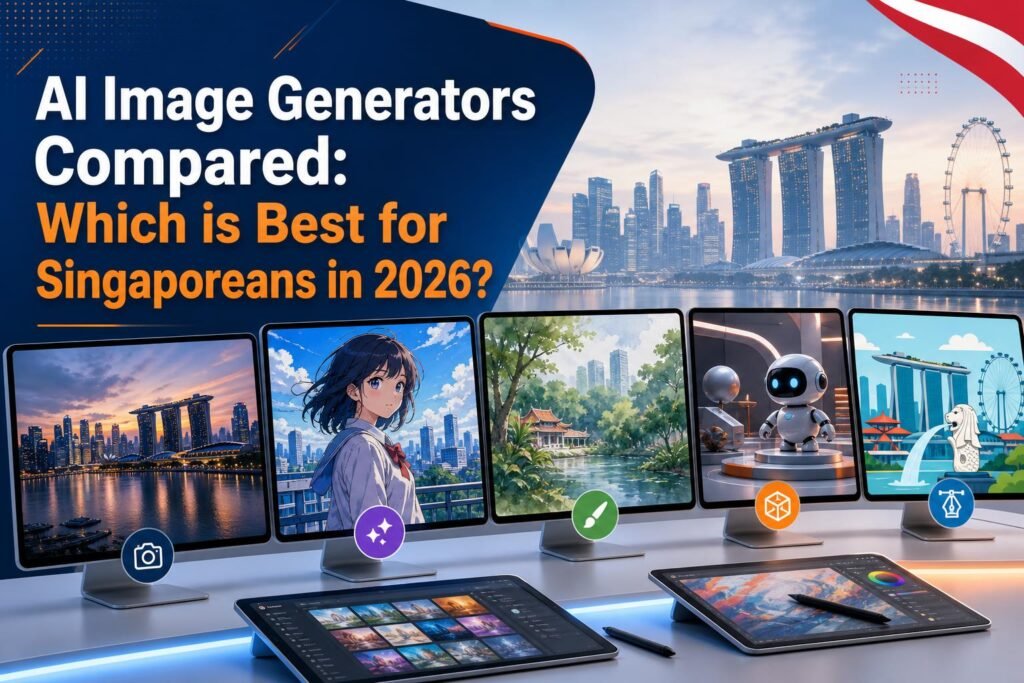
But not all AI image generators are equal. We tested the five most relevant tools for Singapore users and here is the honest verdict on each.
Midjourney: The Quality Leader
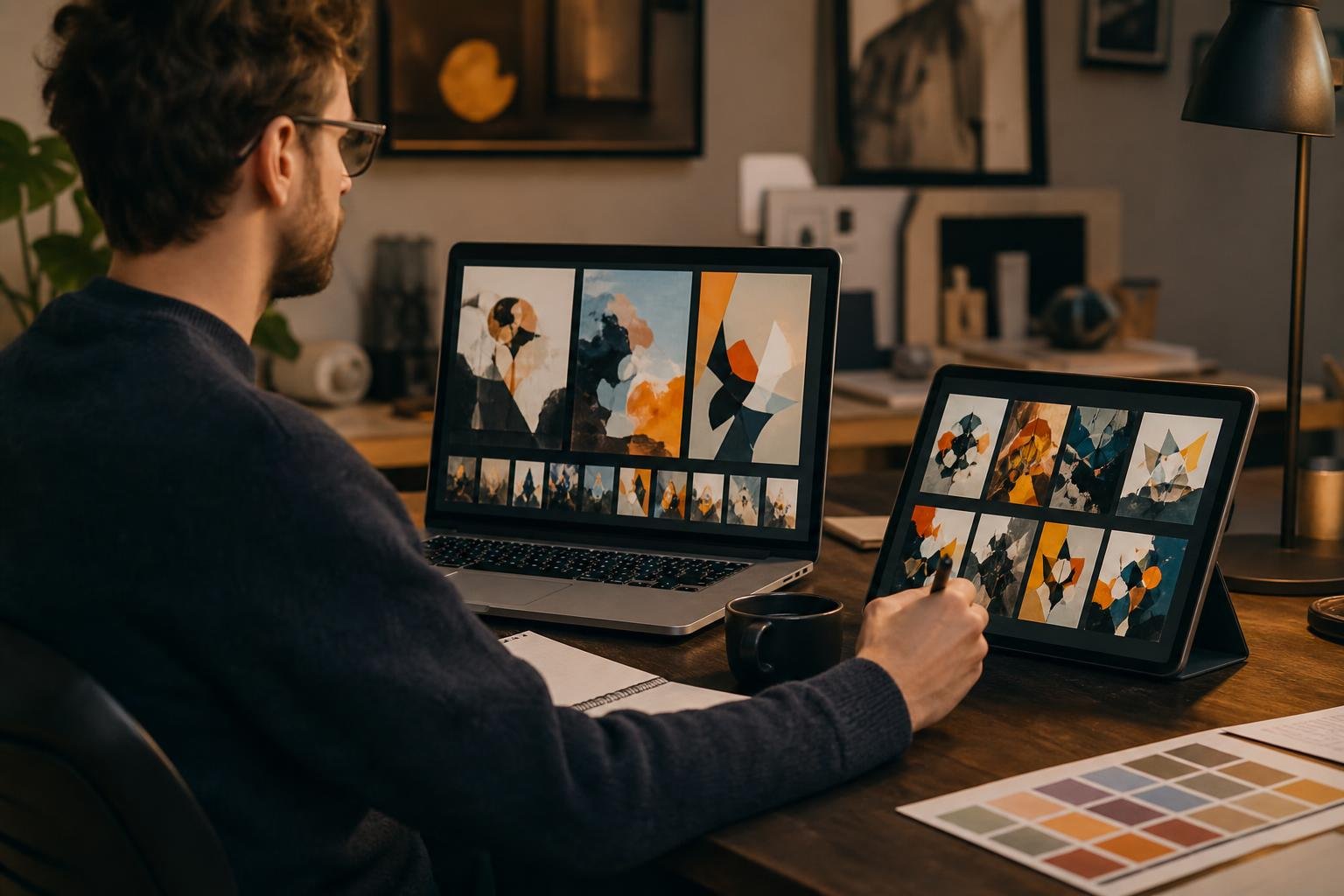
Midjourney consistently produces the highest-quality, most visually impressive images of any AI tool currently available. Its output has a distinctive aesthetic that can range from photorealistic to artistic, and at its best it is genuinely difficult to distinguish from professional photography or commissioned illustration.
Strengths: Unmatched image quality for both photorealistic and artistic styles. Excellent at complex scenes, detailed textures, and atmospheric lighting. The active community on Discord provides thousands of example prompts to learn from. Consistently improving with regular model updates.
Weaknesses: Requires using Discord, which is not a familiar environment for many Singapore business owners. There is no free plan – the basic subscription starts at $10 USD per month. The prompt engineering required to get consistently excellent results has a learning curve of several weeks. Generating images with text is notoriously difficult (Midjourney often produces garbled or misread text in images).
Best for: Singapore content creators, marketing agencies, and businesses for whom visual quality is paramount and who are willing to invest time in learning the tool. Particularly valuable for hero images, social media aesthetics, and creative marketing campaigns where distinctive, high-quality visuals drive performance.
DALL-E 3 (via ChatGPT): The Most Accessible
DALL-E 3 is OpenAI’s image generation model and is available directly inside ChatGPT, making it the most accessible AI image generator for people who already use ChatGPT. You describe what you want in natural language conversation and the image is generated in the same interface where you do everything else.
Strengths: No separate account or interface required if you use ChatGPT. Natural language prompting feels intuitive. Significantly better at generating text within images than Midjourney – useful for creating graphics with quotes, labels, or branded text. Good at following specific composition and styling instructions.
Weaknesses: Image quality is good but not as consistently impressive as Midjourney for complex artistic images. Available on the ChatGPT paid plan ($20 USD per month) but limited on the free tier. Generates fewer variations per session than dedicated image tools.
Best for: ChatGPT users who need images as part of their general workflow, anyone who needs images with text included, and Singapore businesses that want a capable image generator without managing a separate subscription or interface.
Adobe Firefly: The Safe Commercial Choice
Adobe Firefly is Adobe’s AI image generator and it has one significant advantage that matters enormously for business use: it was trained exclusively on content that Adobe has the rights to use, meaning images generated through Firefly are specifically designed for commercial use without copyright concerns.
Strengths: Commercial use clarity that other tools cannot match. Deep integration with Photoshop, Illustrator, and Adobe Express. Particularly good at generating images that extend or match existing photos – useful for expanding backgrounds, adding elements to existing images, or changing the environment of a product photo. Consistent, professional aesthetic suitable for business use.
Weaknesses: Requires an Adobe subscription for full access. Quality does not match Midjourney for artistic applications. Less community and tutorial content than more widely used tools.
Best for: Singapore businesses and designers who already use Adobe Creative Suite, anyone producing commercial marketing materials where IP clearance matters, and brand teams working with existing brand assets that need to be extended or enhanced.
Canva AI Image Generator: The Integrated Option
Canva’s built-in image generator is not the most powerful option technically, but it has one significant practical advantage: it generates images directly inside your design workflow without requiring you to switch to another tool.
Strengths: Available directly inside Canva where you are already designing. No separate account or subscription needed beyond Canva. Generated images go directly into your design. Fastest workflow for simple visual content needs.
Weaknesses: Image quality is lower than dedicated tools for complex or nuanced images. Limited control over fine details and artistic style. Works best for simple conceptual images rather than photorealistic or complex artistic content.
Best for: Canva users who need occasional custom images as part of their design workflow and do not want to manage a separate image generation tool. Ideal for simple blog post illustrations, social media background images, and conceptual graphics.
Ideogram: The Text-in-Image Specialist
Ideogram is a relatively newer AI image generator that has rapidly become the preferred tool for one specific and important use case: generating images that contain readable, correctly spelled text. This is a capability that virtually every other AI image generator handles poorly.
Strengths: Dramatically better at generating images with text than any other tool tested. Excellent for promotional graphics, quote cards, event announcements, and any design where text needs to be part of the generated image. Generous free tier. Clean, modern default aesthetic suitable for business use.
Weaknesses: General image quality, while good, is not as high as Midjourney for complex photorealistic or artistic applications. Less community and tutorial content than more established tools. The specialisation in text-in-image means it is less versatile for other use cases.
Best for: Creating promotional graphics with text overlays, quote cards for social media, event announcement visuals, and any application where the final image needs to include specific readable text. For Singapore businesses creating regular promotional content with prices, event details, or offer descriptions in the image, Ideogram is the clear choice.
Recommendations for Different Singapore User Types
If you are just starting with AI images: Begin with Canva’s built-in image generator. It requires no additional setup, costs nothing extra if you already use Canva, and integrates directly into your design workflow. When you want more quality or capability, try DALL-E 3 through ChatGPT.
If you create social media content professionally or for a business: Midjourney is worth the learning curve and the subscription cost. The quality difference is significant for content where visual impact drives engagement.
If you regularly need promotional graphics with text: Ideogram’s free tier is sufficient for most needs. Use it alongside your primary design tool.
If you work in a corporate or commercial environment with IP compliance requirements: Adobe Firefly with an Adobe subscription is the most defensible choice.
Related reading on Agent Setup SG
- AI Tools for Singapore Students: Study Smarter and Get Ahead in 2026
- How to Use AI for Your Singapore Hawker Business (Practical Guide)
- How to Use Perplexity AI Instead of Google: The Complete Singapore Guide
FAQ: AI Image Generators Compared: Which is Best for Singaporeans in 2026?
Is this suitable for beginners in Singapore?
Yes. This guide is written for practical beginners and focuses on clear steps.
Do I need paid tools to start?
No. You can start with free options and upgrade only when results justify it.
How quickly can I implement this?
Most people can complete a first setup in under one hour, then improve it over time.
What should I track first?
Track one key outcome such as leads, response rate, time saved, or conversion.
What common mistake should I avoid?
Do not skip the basics. Clear setup and consistent usage matter more than fancy features.
Free resource for Singapore readers: Want to save time and money with AI starting today? Download the free Singapore AI Cheat Sheet, 10 prompts made for Singaporeans, plus a free 7-day email course delivered straight to your inbox. Grab it now at agentsetupsg.com/free instead.
Related resources
- Related guide: Beginner’s Complete Guide to AI Image Generation for Singaporeans
- Practical walkthrough: ChatGPT vs Gemini vs Claude: Which AI is Best for Singaporeans in 2026?
- Detailed breakdown: How to Use AI Responsibly: A Practical Guide for Singaporeans
- Product resource: 100 Prompts for SG Content Creators
- Product resource: 100 Prompts for SG Working Adults