How to Create an AI-Powered Chatbot for Your WhatsApp Business (Singapore Step-by-Step Guide)
If you run a business in Singapore, WhatsApp is usually where customers ask first questions: price, availability, delivery, appointment slots, or “can I speak to someone?”. The problem is speed and consistency. When replies are delayed, leads go cold. When staff answer differently, trust drops. A practical WhatsApp AI chatbot solves both problems: fast replies, structured answers, and smooth handover to a human when needed.
This guide is written for business owners and small teams who want a practical setup, not just theory. By the end, you will have a clear implementation path, the exact components to prepare, and a realistic launch checklist. You do not need to be technical, but you do need a simple process.
What an AI WhatsApp chatbot should do (and should not do)
Before tools, define scope. A useful chatbot should:
- Answer repetitive questions instantly (opening hours, pricing bands, delivery zones, lead time, required documents).
- Collect lead details in a structured format (name, phone, email, request type, preferred date/time).
- Recommend next action (book call, make payment, submit form, visit store).
- Escalate to human when confidence is low, intent is sensitive, or user asks for a person.
It should not:
- Give legal/medical/financial advice without review safeguards.
- Invent policies or prices it is unsure about.
- Store sensitive personal data without clear purpose and access control.
Step 1: Pick one business use case first
Do not start with “support everything”. Start with one high-volume, high-friction workflow. Good first use cases:
- Lead qualification for services (renovation, tuition, coaching, consulting).
- Appointment booking triage (clinic, salon, inspection, site visit).
- Order/status FAQ for ecommerce or F&B delivery.
Success metric for the first 30 days:
- First-response time under 1 minute.
- At least 30% reduction in repetitive manual replies.
- Lead capture completion rate above 60% for chatbot conversations.
Step 2: Prepare your WhatsApp Business API foundation
For scalable automation, use WhatsApp Business Platform (not only the mobile app). You can set this up through Meta directly or via a BSP (Business Solution Provider). Typical setup includes:
- A verified Meta Business account.
- A dedicated phone number for WhatsApp Business API.
- Display name approval.
- Webhook endpoint for incoming messages and events.
Tip: keep your current support number unchanged at first. Run a pilot number to validate flow and quality before full migration.
Step 3: Define your knowledge base clearly
Your AI quality depends on source quality. Build a small “single source of truth” document with:
- Company intro (1-2 lines).
- Services/products and pricing rules.
- Coverage area in Singapore.
- Business hours and response expectations.
- Refund/cancellation policy.
- Escalation conditions and contact method.
Write in short bullet points. If humans cannot quickly understand the policy, the AI will struggle too.
Step 4: Design a safe conversation flow
Even with AI, you still need structure. Use this sequence:
- Greeting + intent detection: “Hi! I can help with pricing, booking, or order updates. What do you need today?”
- Clarifying question: ask one question at a time to reduce drop-off.
- Action block: answer, collect data, or route to booking/payment.
- Confirmation: summarize what was captured.
- Handover: offer human support when needed.
Important: include a persistent “Talk to human” option in every major branch.
Step 5: Choose your automation stack
A simple and effective stack for SMEs:
- WhatsApp API layer: official Cloud API or BSP dashboard.
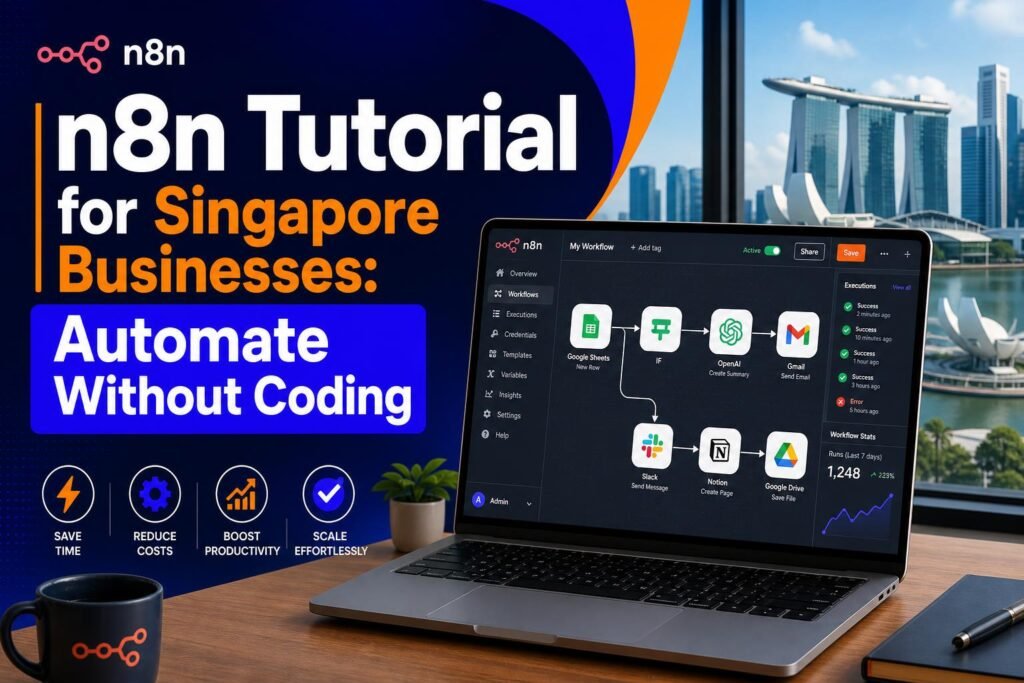
- Automation: n8n/Make/Zapier to orchestrate flows.
- AI layer: LLM API for intent understanding and answer generation.
- Data storage: Airtable/Notion/Google Sheets/CRM for lead records.
- Notification: send alerts to team via email/Telegram/Slack for urgent handovers.
Keep version 1 lightweight. Too many systems at launch usually create maintenance issues.
Step 6: Build prompts that reduce hallucination
Your assistant prompt should include strict rules:
- Only answer from approved knowledge base fields.
- If data is missing, ask follow-up or escalate; do not guess.
- Use concise Singapore-friendly English.
- Never promise discounts, delivery timing, or custom terms unless explicitly defined.
Good fallback line: “I want to give you an accurate answer. Let me connect you to our team now.”
Step 7: Implement human handover logic
This is where most chatbot projects fail. Set clear triggers:
- User asks for human.
- Negative sentiment (frustration, complaint, refund conflict).
- AI confidence below threshold.
- Sensitive categories (billing dispute, legal concern, personal data issue).
When triggered, send a handover packet to staff:
- Conversation summary.
- Customer details captured.
- Intent category.
- Urgency level.
- Suggested next reply draft.
Step 8: Add PDPA-conscious data handling
For Singapore teams, keep data practices practical and responsible:
- Collect only data needed for service delivery.
- State why data is requested (booking, quote, follow-up).
- Restrict CRM/Sheet access to relevant staff.
- Set data retention windows and periodic clean-up.
- Avoid storing NRIC/passport details in chatbot flow unless absolutely required and controlled.
Simple trust line to include: “We only use your details to process your request and follow up on this enquiry.”
Step 9: Test with real scenarios before launch
Create 20-30 test conversations across common and edge cases:
- Normal: pricing question, appointment request, delivery query.
- Messy: typo-heavy messages, mixed language, voice note summary.
- Risk: angry complaint, policy exception request, urgent same-day request.
For each test, score:
- Accuracy (correct or not).
- Clarity (easy to understand).
- Completion (did user reach outcome).
- Escalation quality (handover context complete).
Fix prompt and workflow before public rollout.
Step 10: Launch in phases
Recommended rollout:
- Internal pilot (week 1): staff-only testing and script tuning.
- Soft launch (week 2): 10-20% of inbound conversations.
- Controlled scale (week 3-4): 50% traffic with daily review.
- Full deployment: once KPIs and handover quality are stable.
Do not jump to 100% on day one. Controlled rollout protects customer experience.
What to track weekly (simple KPI dashboard)
- Total WhatsApp conversations.
- Auto-resolved rate (% solved without human).
- Average first response time.
- Lead capture completion rate.
- Handover rate and time-to-human-response.
- Customer satisfaction proxy (thumbs-up, “thanks”, conversion).
If auto-resolved rate rises but complaints also rise, quality is dropping. Optimize for outcomes, not only automation percentage.
Common mistakes to avoid
- Over-automation: forcing bot-only flow when users need human judgement.
- No ownership: unclear team member responsible for updates and QA.
- Stale knowledge base: prices/promos changed but bot still answers old info.
- No fallback: customer gets stuck in loops.
- No reporting: cannot tell if the bot helps or hurts conversion.
30-day implementation plan (for non-technical teams)
Week 1: define use case, metrics, and source-of-truth document. Set up WhatsApp API and webhook.
Week 2: build chatbot flow, prompts, lead capture fields, and handover triggers.
Week 3: run test scripts, patch weak answers, validate escalation quality, and train staff on takeover.
Week 4: soft launch, monitor daily KPIs, optimize top failure points, and scale traffic gradually.
Final checklist before going live
- One clear use case selected.
- Knowledge base reviewed and approved by owner.
- Prompt guardrails implemented.
- Human handover tested end-to-end.
- Lead data storage connected and access controlled.
- Weekly KPI dashboard ready.
- Owner assigned for ongoing maintenance.
Frequently Asked Questions (FAQ)
1) Do I need coding skills to set up a WhatsApp AI chatbot?
No. Most SMEs can launch with low-code tools (like n8n/Make) plus WhatsApp API and a tested prompt workflow. Coding helps for advanced customization, but it is not required for version 1.
2) How long does setup usually take?
With a focused scope and one use case, most teams can go live in about 2-4 weeks, including testing, handover design, and KPI tracking.
3) Is a WhatsApp chatbot suitable for small teams?
Yes. It is especially useful for small teams because it handles repetitive first-level queries, captures leads consistently, and reduces missed opportunities after-hours.
4) How do I prevent wrong AI answers?
Use strict prompt guardrails, a clean knowledge base, confidence thresholds, and mandatory human handover triggers for uncertain or sensitive queries.
5) What should I measure after launch?
Track first-response time, auto-resolved rate, lead capture completion rate, handover response time, and conversion outcomes weekly.
Recommended Internal Links
Add these related guides for readers who want to go deeper after this WhatsApp chatbot setup:
- n8n Tutorial for Singapore Businesses: Automate Without Coding
- How to Automate Your Singapore Business Email Replies with AI
- The PDPA-Safe AI Toolkit for Singapore Businesses
- How to Use AI Responsibly: A Practical Guide for Singaporeans
- How Singapore Startups Are Using AI to Compete with Larger Companies
Conclusion
A WhatsApp AI chatbot is not just a “cool AI feature”. For Singapore SMEs, it is a practical operations layer: faster responses, better lead handling, and less repetitive work for your team. Start narrow, launch safely, and improve weekly using real conversation data. If you follow the ten steps above, you can move from idea to a working, customer-friendly chatbot in about 30 days, without building a complicated system from day one.
If you want, the next step is to map your exact business flow (questions, lead fields, handover rules) and turn it into a ready-to-deploy WhatsApp chatbot blueprint.