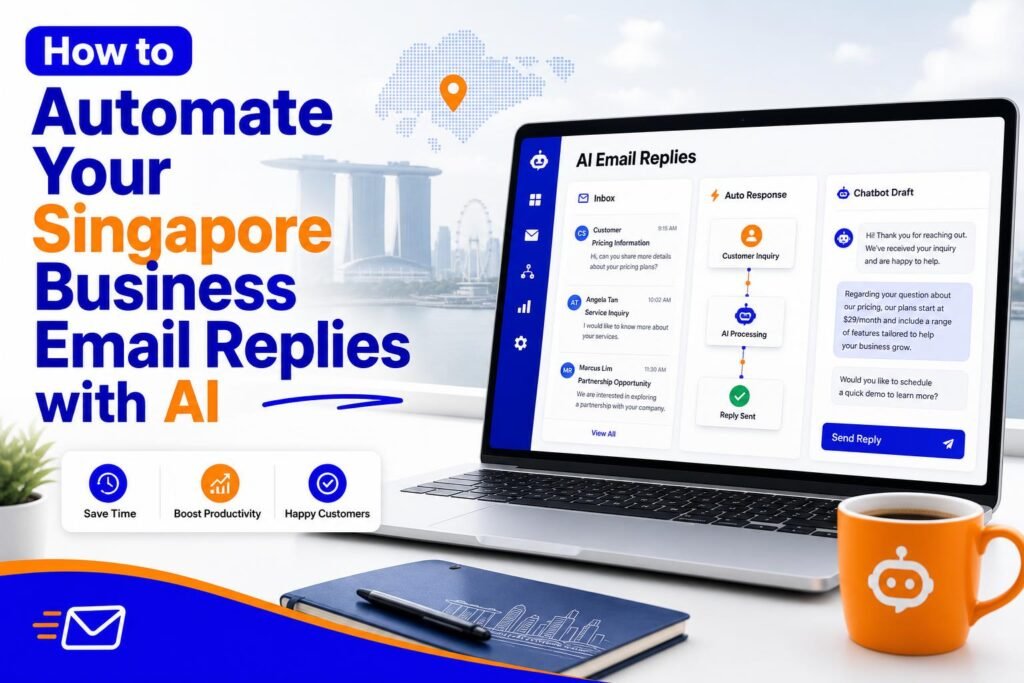
Email is simultaneously one of the most important and most time-consuming aspects of running a Singapore business. Proposals, client updates, supplier negotiations, staff communications, customer enquiries – the inbox never empties. For many Singapore SME owners, two to three hours per day on email is normal. Over a five-day week, that is 10 to 15 hours – more than a quarter of the working week – spent responding to messages.
AI tools, combined with a systematic approach to email management, can reduce this to under an hour per day for most businesses without compromising the quality of communication. This guide gives you the complete system.
Step 1: Audit Your Email Types
The first step is understanding what you are actually spending your email time on. Spend 15 minutes going through the last two weeks of sent emails and categorise them. Most Singapore SME owners will find their emails fall into 8 to 12 recurring categories. Common ones include: responding to new business enquiries, providing quotes, following up on outstanding payments, scheduling meetings, updating clients on project status, acknowledging orders, handling complaints, and responding to supplier communications.
Make a list of your actual categories. These become the foundation of your email automation system. You are going to create an AI-assisted process for every category on your list, transforming each from a blank-page writing task into a 2-minute editing task.
Step 2: Create a Prompt Library
For each email category, create a ChatGPT prompt that captures all the context that never changes – your business type, your tone, the standard elements the email should include – and leaves variables as placeholders for the information that changes each time.
Example prompt template for new business enquiries: You are a [your profession] at a Singapore [type of business]. Write a professional, warm response to a new enquiry. The prospective client is [describe]. They asked about [service]. Your response should: thank them for enquiring, briefly describe the service in one paragraph, state that pricing starts from [price range], explain the next step (which is a discovery call), and include a call to action to book via [your calendar link]. Conversational but professional tone. Under 200 words.
Save each prompt in a Google Doc or Notion page titled Email Prompts. Organise them by category. Over time, refine the prompts based on the quality of output they produce.
Step 3: Set Up Gmail Templates for Your Best Drafts
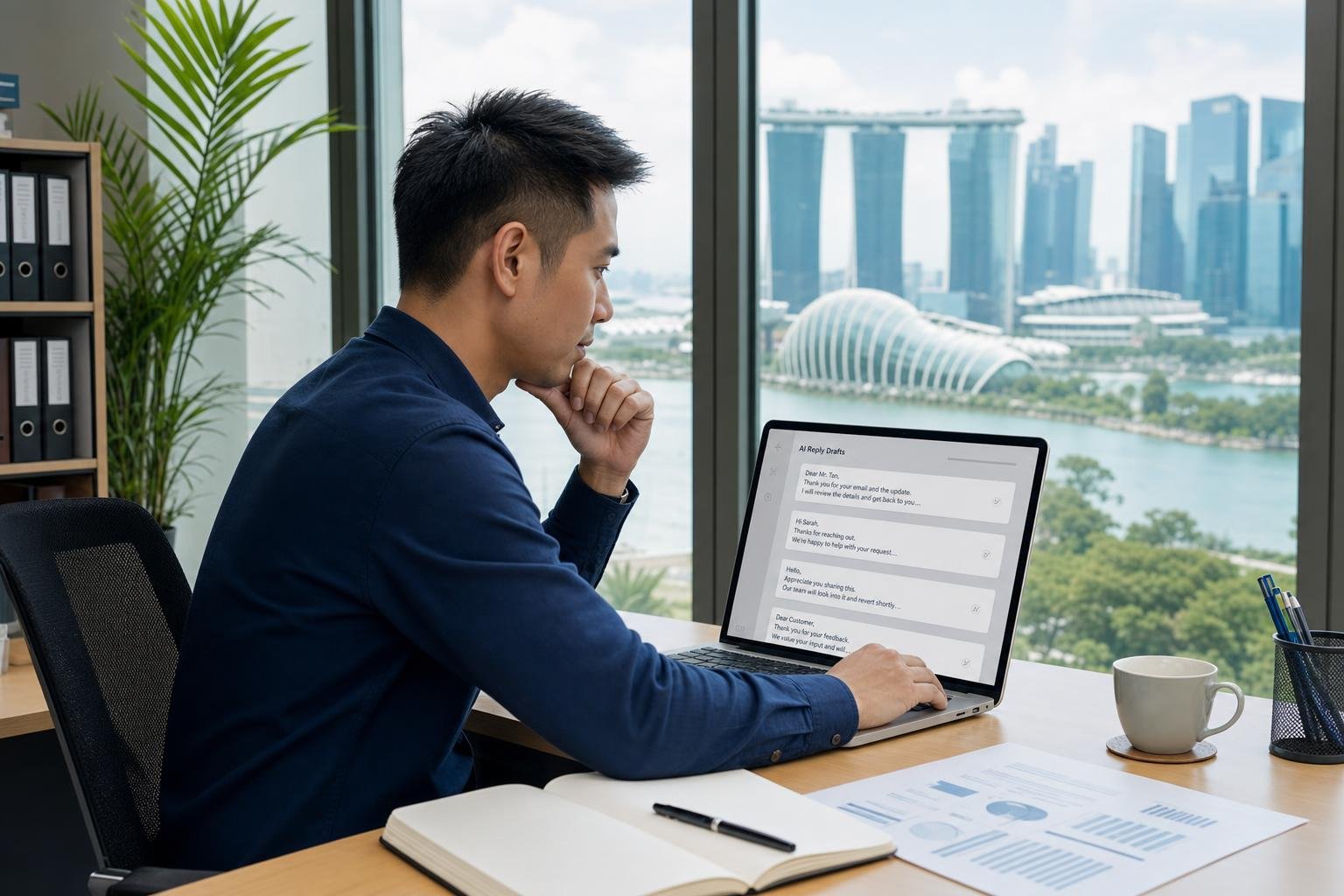
Gmail has a built-in template feature called Canned Responses that most Singapore business owners have never used. Once enabled, it lets you save your best AI-generated email drafts as templates that can be called up with two clicks.
To enable Gmail Templates: Go to Gmail Settings, click the Advanced tab, and enable Templates. To save a template: Compose an email, draft the template text, click the three dots at the bottom of the compose window, select Templates, then Save draft as template. To use a template: Start composing a new email, click the three dots, select Templates, and choose the template. The template text appears in the compose window and you can make quick edits before sending.
Build templates for your 5 most common email types first. Once you have the habit of using templates, expand to cover all your common email categories. This system means you never write a common email from scratch – you call up the template, make 2 to 3 specific edits, and send.
Step 4: Create an Email Triage System
Not every email needs an immediate response and not every email needs a thoughtful, custom reply. The biggest time waste in most Singapore business owners’ email habits is treating every email with the same level of attention regardless of its importance or urgency.
Use ChatGPT to help you triage your inbox at the start of each working day. Copy your email subject lines into ChatGPT and use this prompt: Here are the emails in my inbox. Categorise them as: respond immediately (important and time-sensitive), respond today (important but not urgent), respond this week (low urgency), and archive or ignore (newsletters, FYIs, not actionable). Then list them in that order. [paste subject lines]
This takes about 3 minutes and gives you a clear prioritised action list. You work through the immediate and today categories first, handle the this week items in a scheduled email block, and archive or unsubscribe from everything in the last category.
Step 5: Automate Your Most Repetitive Responses
Beyond ChatGPT templates, some email responses can be fully automated without any human involvement. For Singapore businesses with predictable, consistent enquiries, auto-responders and automation tools can handle the first response entirely.
Gmail’s built-in auto-responder: Use this for after-hours responses. Set an auto-reply that acknowledges the email, sets clear expectations about response time (we reply to all enquiries within 1 business day), and provides an alternative contact for urgent matters (your WhatsApp number). Write the auto-responder using ChatGPT to ensure it sounds warm and professional rather than robotic.
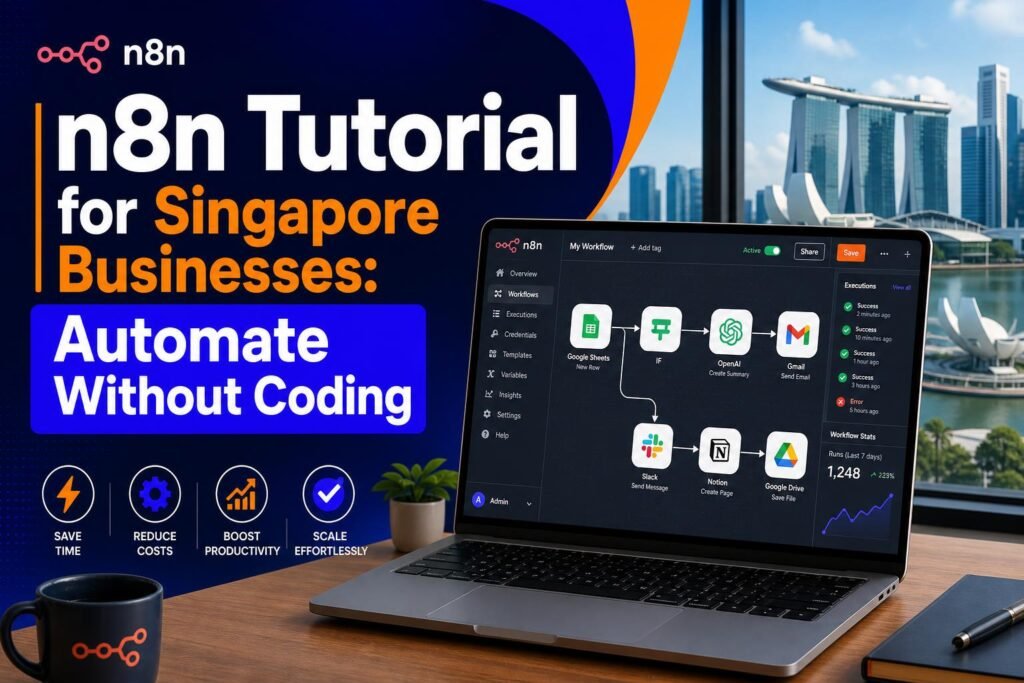
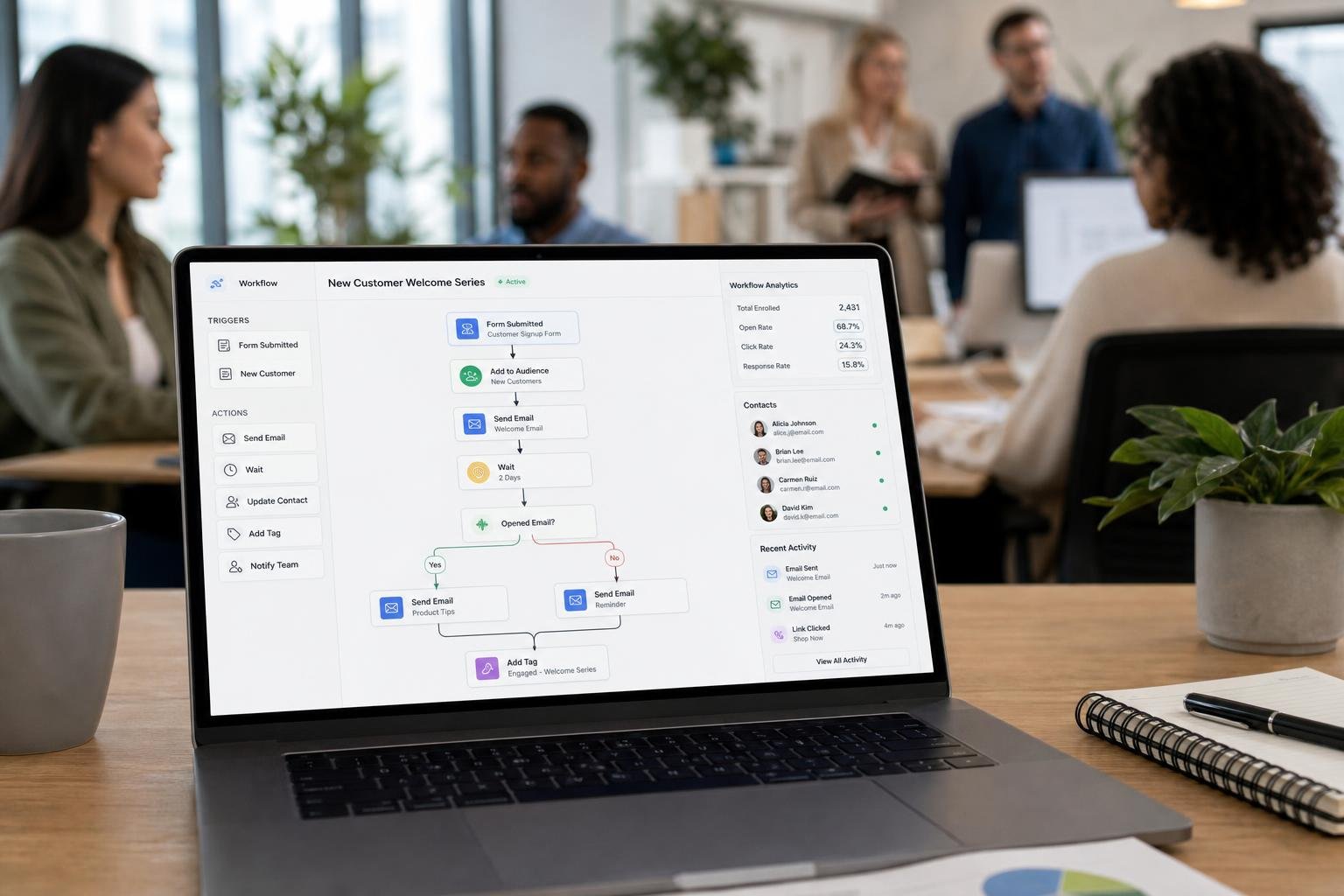
n8n or Zapier automation: For specific types of enquiries – for example, all emails that include the word quote or proposal – you can set up automation workflows that trigger a pre-approved template response automatically. This works well for Singapore businesses that receive high volumes of a specific enquiry type.
Step 6: Batch Your Email Time
One of the most effective changes for Singapore business owners is moving from constant inbox checking to scheduled email batches. Instead of checking and responding to email throughout the day – which creates constant interruption and context-switching – designate two or three 30-minute email blocks per day.
A typical schedule for a Singapore SME owner might be: 9am email block (handle overnight and morning emails), 1pm email block (handle morning responses and any urgent items), 5pm email block (close out the day’s communication). Outside these blocks, the email tab is closed. Urgent matters come through WhatsApp.
Combined with the prompt library, Gmail templates, and triage system described above, this batching approach consistently reduces email time by 50 to 70% for Singapore business owners who implement it consistently.
Realistic Time Savings
Singapore SME owners who implement the complete system described in this guide – prompt library, Gmail templates, triage system, and time batching – typically report reducing their daily email time from 2 to 3 hours down to 45 minutes to 1 hour. That is 5 to 10 hours per week reclaimed for higher-value work. Over a year, that represents 250 to 500 hours – time that can go into building client relationships, developing new services, or simply having a more sustainable work-life balance.
Related reading on Agent Setup SG
- AI Tools for Singapore Students: Study Smarter and Get Ahead in 2026
- How to Use AI for Your Singapore Hawker Business (Practical Guide)
- How to Use Perplexity AI Instead of Google: The Complete Singapore Guide
FAQ: How to Automate Your Singapore Business Email Replies with AI
Is this suitable for beginners in Singapore?
Yes. This guide is written for practical beginners and focuses on clear steps.
Do I need paid tools to start?
No. You can start with free options and upgrade only when results justify it.
How quickly can I implement this?
Most people can complete a first setup in under one hour, then improve it over time.
What should I track first?
Track one key outcome such as leads, response rate, time saved, or conversion.
What common mistake should I avoid?
Do not skip the basics. Clear setup and consistent usage matter more than fancy features.
Free resource for Singapore readers: Want to save time and money with AI starting today? Download the free Singapore AI Cheat Sheet, 10 prompts made for Singaporeans, plus a free 7-day email course delivered straight to your inbox. Grab it now at agentsetupsg.com/free instead.
Related resources
- Related guide: How to Use ChatGPT to Write Professional Emails That Actually Get Replies
- Practical walkthrough: The Singapore Solopreneur Stack: AI Business Playbook
- Detailed breakdown: n8n Tutorial for Singapore Businesses: Automate Without Coding
- Product resource: The Singapore Solopreneur Stack: AI Business Playbook
- Product resource: 100 Prompts for SG Content Creators