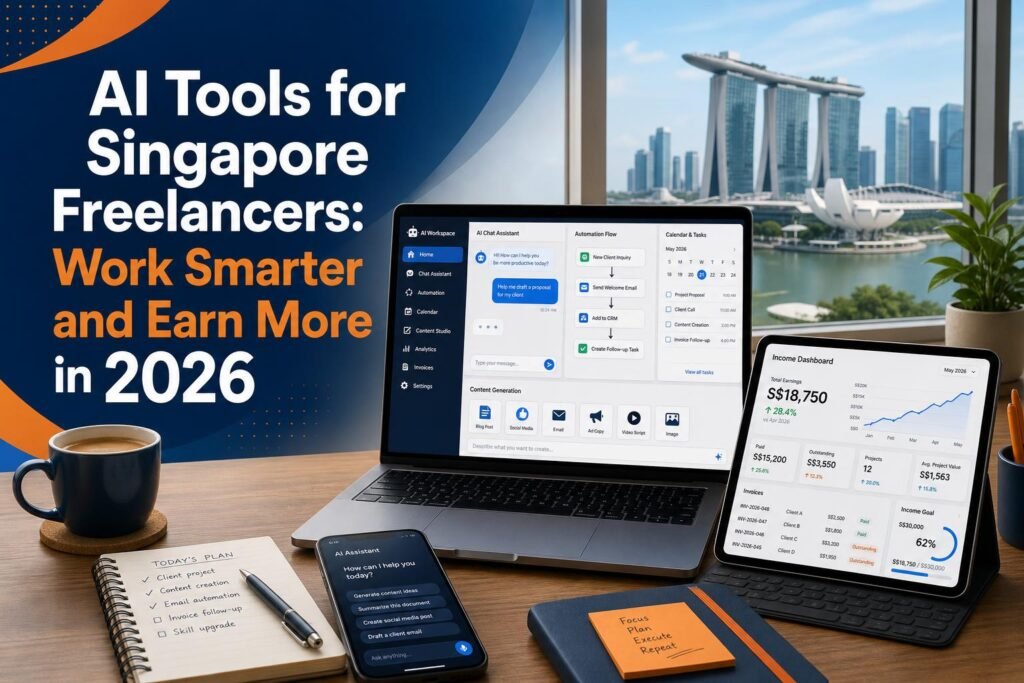
Singapore’s freelance economy has been growing steadily, accelerated by the shift to hybrid work, the rise of platform-based work, and a generation of professionals who prioritise flexibility and autonomy over the traditional employment model. As of 2026, a significant portion of Singapore’s workforce has some form of freelance or independent consulting income, whether as a primary career or a side income alongside employment.
For Singapore freelancers, AI tools have fundamentally changed what is possible in terms of output volume, quality, and client capacity. The most productive freelancers using AI are not working more hours – they are working the same hours and producing dramatically more, which translates directly to higher income or more time back.
The Core AI Stack Every Singapore Freelancer Needs
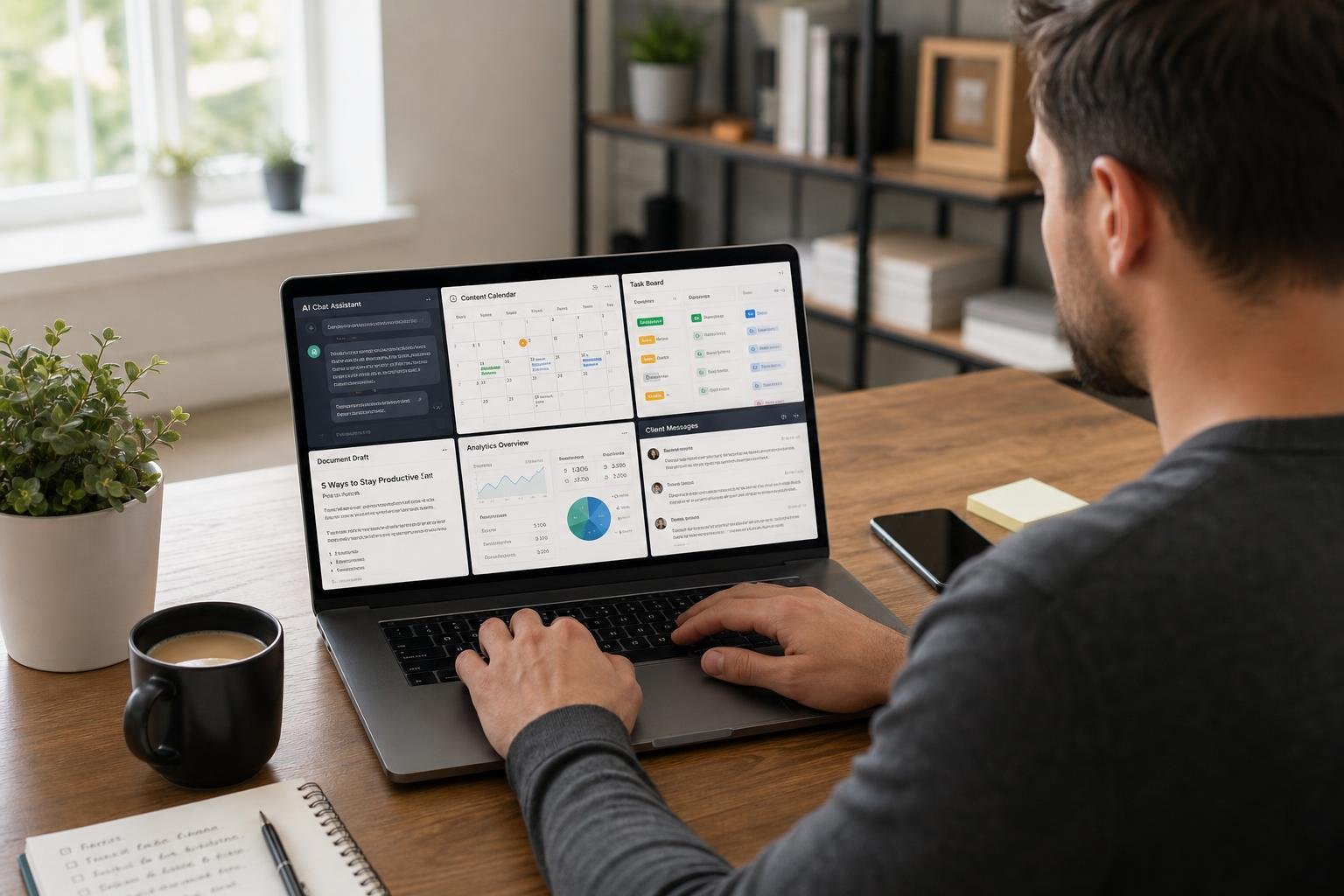
Regardless of your specific freelance discipline, there are four AI tools that benefit virtually every type of independent professional in Singapore. These are the foundation before you add any discipline-specific tools.
ChatGPT (free or Plus at $20 USD/month): Your general-purpose AI assistant for writing, research, brainstorming, client communications, proposal drafting, and hundreds of other tasks. Start with the free plan and upgrade when you find yourself hitting daily limits regularly.
Perplexity AI (free): Your research tool for client research, industry background, competitive intelligence, and any fact-finding that requires current information. Use this when you need cited, verifiable information rather than ChatGPT’s recall from training data.
Notion with AI (free tier): Your knowledge management and project organisation tool. Store client information, project notes, standard operating procedures, and ongoing work in one searchable place. Use the AI features to summarise meeting notes, draft client deliverables, and create project templates.
Otter.ai (free, 300 minutes/month): AI meeting transcription. Stop taking manual notes in client calls and focus entirely on the conversation. Otter records, transcribes, and produces a summary automatically. Review and send the summary to the client as a record of what was discussed and agreed.
AI Tools for Freelance Writers and Content Creators
For Singapore freelancers who write – content marketers, copywriters, blog writers, social media managers, technical writers – AI has created a fundamental shift in productivity. Writers who use AI effectively report being able to handle three to four times more client work than they could before without a proportional increase in working hours.
The workflow: Use ChatGPT to generate content briefs and outlines for new pieces. Write the first draft yourself from the outline – this keeps your voice and thinking authentic. Use ChatGPT to help you punch up weak sections, rephrase sentences that are not landing, and strengthen calls to action. Use Grammarly (free plan) for final proofreading – the AI catches errors and suggests clarity improvements that are easy to miss when you have been close to a piece of writing.
For long-form content research: Use Perplexity AI rather than Google for research tasks. The cited answer format is dramatically faster than reading through multiple Google search results and lets you find supporting evidence and data points quickly.
For social media content specifically: Use ChatGPT to generate a full month of post ideas and captions in one session. Review, select the best ones, add your own personal touches and specific examples from your experience or clients, and schedule using Buffer or Later.
AI Tools for Freelance Designers
Graphic designers and visual content creators have arguably seen the most dramatic capability expansion from AI tools of any freelance category. The combination of tools available means a skilled designer with a good eye and design judgment can produce more, at higher quality, across more styles than was previously possible.
Midjourney ($10 USD/month): For generating unique custom images, creating mood boards, developing visual concepts, and producing hero images for client projects. The quality of Midjourney’s output for photorealistic and artistic images is genuinely impressive and can replace stock photo licensing for many use cases.
Adobe Firefly (with Adobe subscription): For commercial projects where IP clearance matters. Firefly’s output is safe for commercial use and integrates with Photoshop and Illustrator for seamless inclusion in professional design workflows.
Canva AI (free or Pro at $17 SGD/month): For rapid content production – social media posts, presentations, simple marketing materials. The Magic Design feature lets you generate starting points from text descriptions that you then customise.
Remove.bg (limited free, paid plans from $9 USD/month): For fast background removal on product photos and portrait images. Much faster than manual Photoshop masking for standard use cases.
AI Tools for Freelance Developers
Software developers and technical freelancers have some of the most powerful AI productivity tools available. For Singapore developers working on client projects, these tools meaningfully reduce development time and enable individuals to take on projects that would previously have required a team.
GitHub Copilot ($10 USD/month): The most widely used AI coding assistant. Suggests code completions as you type, generates functions from comments describing what you want, and explains existing code. Most developers using GitHub Copilot report a 30 to 50% increase in coding speed for routine implementation tasks.
Claude: Particularly excellent for code review, debugging, explaining complex code, and writing technical documentation. Claude’s large context window means you can paste in substantial amounts of code and ask it to identify issues or suggest improvements across the entire codebase section.
ChatGPT: Good for generating boilerplate code, explaining concepts, and producing code in languages you know less well. The ChatGPT Code Interpreter feature can also execute and test Python code directly in the interface, useful for data analysis and scripting tasks.
How to Price Your Services When You Use AI
A common concern among Singapore freelancers adopting AI tools is whether to disclose AI use to clients and how it should affect pricing. The answer depends on your specific client agreements and what you are being hired to produce.
The guiding principle: you are being paid for results, not hours. If you use AI to produce a better result faster, that is your expertise working effectively – not a reason to reduce your price. A plumber who uses modern power tools does not charge less than one using manual tools because the outcome is the same and the value delivered is identical.
Where disclosure matters: if a client specifically hired you for your writing voice, your creative judgment, or your personal perspective, and you are outsourcing significant portions of the creative work to AI without telling them, that is a transparency issue. Use your judgment about what the client is actually buying. If they are buying your strategic thinking and you are using AI to execute faster, that is generally fine. If they are buying your distinctive voice and AI is writing it, disclose that.
On pricing specifically: the availability of AI tools does not justify reducing your rates – it justifies either taking on more clients at the same rates (increasing total income) or maintaining rates while delivering work faster (improving your effective hourly rate and freeing time). The value you deliver has not decreased because AI helps you deliver it more efficiently.
Related reading on Agent Setup SG
- AI Tools for Singapore Students: Study Smarter and Get Ahead in 2026
- How to Use AI for Your Singapore Hawker Business (Practical Guide)
- How to Use Perplexity AI Instead of Google: The Complete Singapore Guide
FAQ: AI Tools for Singapore Freelancers: Work Smarter and Earn More in 2026
Is this suitable for beginners in Singapore?
Yes. This guide is written for practical beginners and focuses on clear steps.
Do I need paid tools to start?
No. You can start with free options and upgrade only when results justify it.
How quickly can I implement this?
Most people can complete a first setup in under one hour, then improve it over time.
What should I track first?
Track one key outcome such as leads, response rate, time saved, or conversion.
What common mistake should I avoid?
Do not skip the basics. Clear setup and consistent usage matter more than fancy features.
Free resource for Singapore readers: Want to save time and money with AI starting today? Download the free Singapore AI Cheat Sheet, 10 prompts made for Singaporeans, plus a free 7-day email course delivered straight to your inbox. Grab it now at agentsetupsg.com/free instead.
Related resources
- Related guide: How to Use AI to Get More Google Reviews for Your Singapore Business
- Practical walkthrough: Top 10 AI Tools for Singapore Small Businesses in 2026: The Complete List
- Detailed breakdown: How Singaporeans Are Using AI to Invest Smarter in 2026
- Product resource: 100 Prompts for SG Content Creators
- Product resource: 100 Prompts for SG Working Adults