How to Build an AI Voice Agent for Customer Calls (2026 Guide)
Missed calls mean missed business. For Singapore companies, clinics, salons, restaurants, and service providers, every unanswered call is a potential customer lost to a competitor who picked up. Hiring a full-time receptionist is expensive, and you cannot answer every call yourself. An AI voice agent solves this: a natural-sounding AI that answers your phone, talks to callers, answers their questions, books appointments, and takes messages, around the clock, never tired, never on lunch.
This guide explains how AI voice agents work and walks you through building one, step by step, using modern no-code voice AI platforms. It is written for beginners, with a realistic view of what these tools can and cannot do.
—
What an AI Voice Agent Actually Does
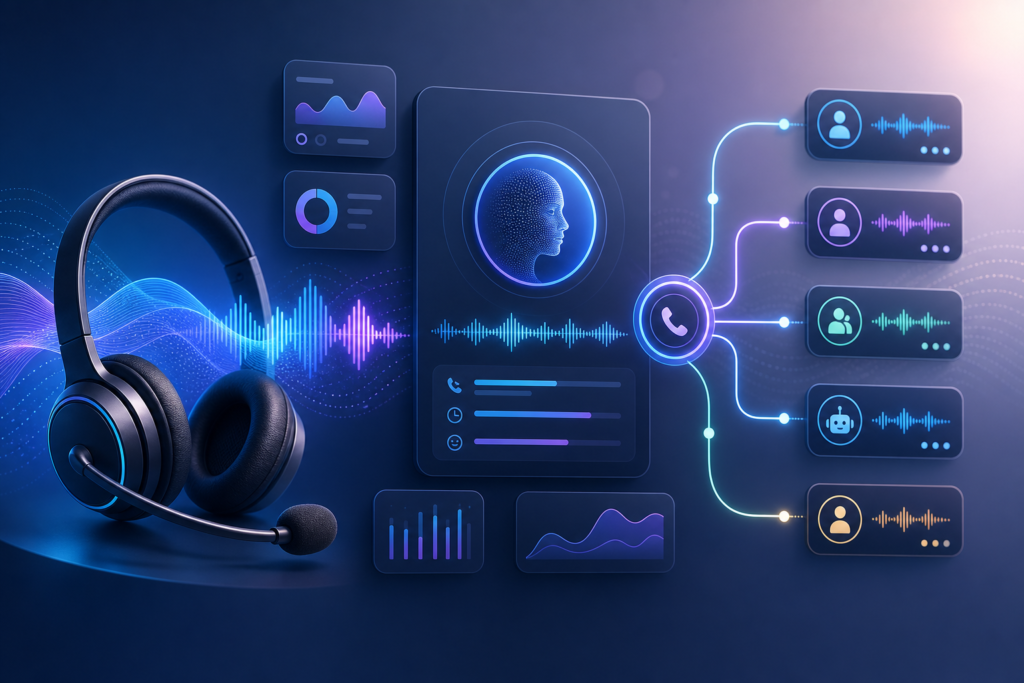
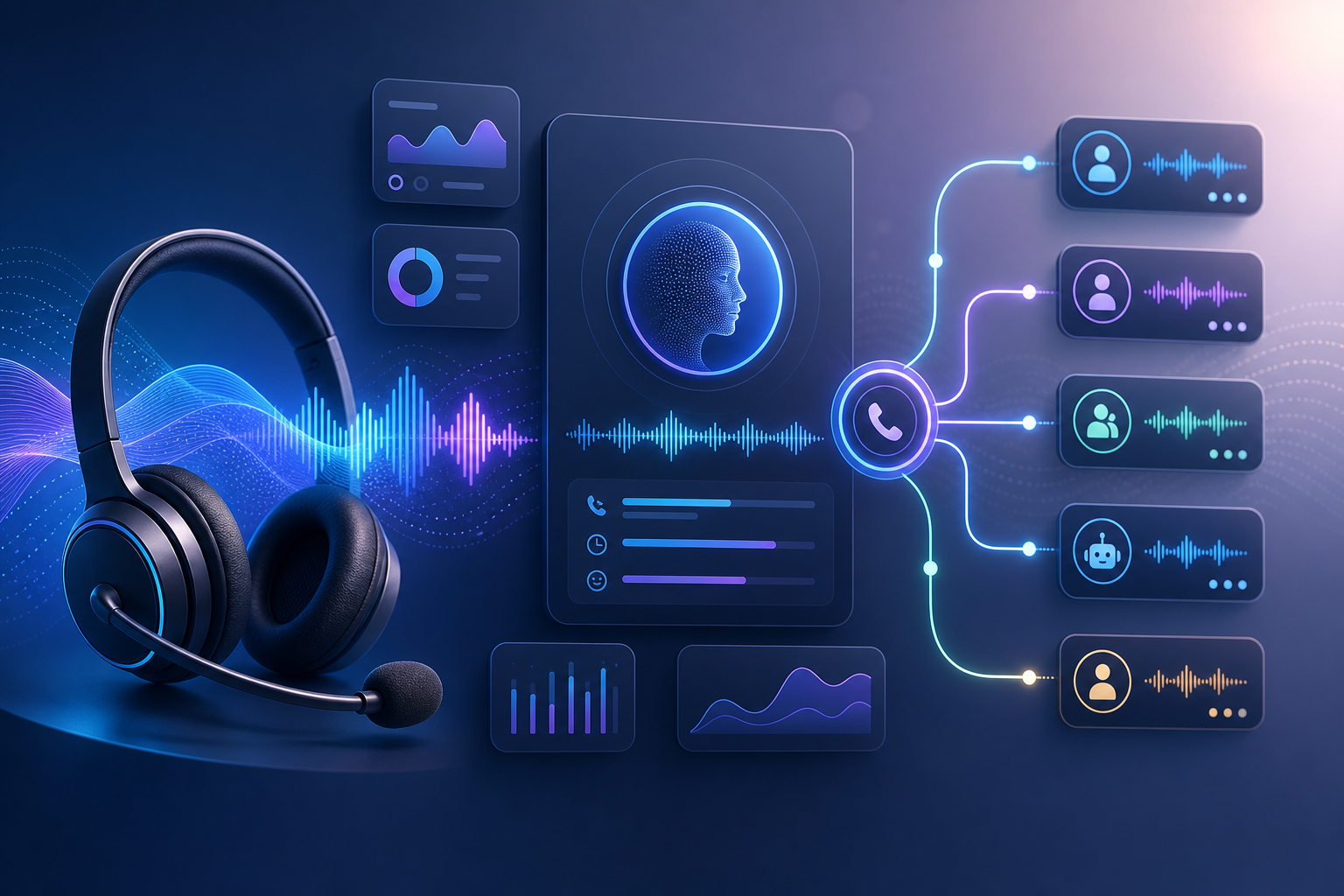
An AI voice agent is a phone-answering AI that holds a real spoken conversation with callers. When someone calls your number, the AI:
- **Answers the call** and greets the caller naturally
- **Listens** and understands what the caller says (speech-to-text)
- **Thinks** using an AI model to decide how to respond
- **Speaks** back in a natural-sounding voice (text-to-speech)
- **Takes action** if needed, booking an appointment, sending you the details, transferring to a human
Modern voice agents sound remarkably human and can handle genuine back-and-forth conversation, a huge leap from the old “press 1 for sales” phone menus.
—
What They Are Great For (and Their Limits)
Great for:
- Answering FAQs (hours, location, services, pricing)
- Booking and rescheduling appointments
- Taking messages and capturing caller details
- Handling overflow when you are busy or closed
- Qualifying enquiries before passing to a human
Less suited to:
- Highly complex, emotional, or sensitive conversations
- Situations requiring deep judgment or negotiation
- Callers who strongly prefer a human (always offer that option)
The smart approach: let the AI handle the routine, high-volume calls, and route anything complex or sensitive to a person. This captures the calls you would otherwise miss without pretending AI can do everything.
—
How the Technology Works (In Plain Terms)
An AI voice agent combines several technologies that modern platforms bundle together for you:
- **A phone number** that callers dial (provided by the platform)
- **Speech recognition** to turn the caller’s words into text
- **An AI model** (like GPT or Gemini) to understand and decide what to say
- **Voice synthesis** to turn the AI’s text response into natural speech
- **Logic and integrations** to take actions like booking or messaging
The good news: you do not assemble these yourself. Voice AI platforms package it all into a single tool where you configure the agent’s behaviour, no coding or telecom knowledge required.
—
Choosing a Voice AI Platform
Several no-code and low-code platforms let you build voice agents. Categories to look for:
- **Dedicated voice AI builders:** Platforms purpose-built for creating phone agents, with visual builders, voice selection, and call handling. Examples in this space include tools like Vapi, Synthflow, Retell, and similar (the market evolves quickly).
- **All-in-one AI receptionist services:** Higher-level services that handle more for you, sometimes industry-specific (for clinics, salons, etc.).
For a beginner, choose a platform with a visual, no-code builder and a free trial so you can experiment before committing. Check that it supports calls in your region and integrates with the tools you use (calendar, CRM).
—
Step-by-Step: Building Your AI Voice Agent
The exact buttons differ by platform, but the process is consistent across modern voice AI builders.
Step 1: Sign Up and Start a New Agent
- Create an account on your chosen voice AI platform
- Start a new agent or assistant
- Many platforms offer templates (e.g. “receptionist”, “appointment booking”), starting from one saves time
Step 2: Write Your Agent’s Instructions (The Brain)
This is the most important step. You define who the agent is and how it behaves through a prompt, just like instructing any AI:
You are the friendly phone receptionist for [Business Name], a
[type of business] in Singapore.

YOUR ROLE:
- Greet callers warmly and professionally
- Answer questions about our hours, location, services, and pricing
- Help callers book or reschedule appointments
- Take a message if you cannot help, and tell them we will call back

OUR INFORMATION:
- Hours: [your hours]
- Location: [your address]
- Services and prices: [details]
- Common questions: [FAQs and answers]

RULES:
- Speak naturally and concisely, this is a phone call
- If a caller wants a human or has a complex issue, offer to take
  their details and have someone call back
- Never make up information you do not have
- Be warm, patient, and clear
Step 3: Choose the Voice
- Browse the platform’s voice library
- Pick a voice that suits your brand, natural-sounding, clear, and appropriate for your Singapore audience
- Preview voices and choose one callers will find pleasant and easy to understand
Step 4: Set Up Call Handling
Configure what the agent does in different situations:
- **Greeting:** The first thing callers hear
- **Booking flow:** If taking appointments, connect your calendar so the agent can check availability and book
- **Message taking:** Where messages and caller details are sent (your email, a spreadsheet, your CRM)
- **Human handover:** When and how to transfer to a person or take a callback request
Step 5: Connect Your Tools (Integrations)
Many platforms let the agent take real action by connecting to:
- **Your calendar** (Google Calendar, etc.) for booking appointments
- **Your CRM or spreadsheet** to log caller details
- **Email/SMS** to notify you of messages and bookings
Set these up so the agent does not just talk, but actually gets things done.
Step 6: Get a Phone Number
- The platform provides a phone number for your agent (or lets you connect an existing one)
- You can forward your existing business line to the AI agent, for example, forwarding calls when you are closed or busy, or all calls if you wish
Step 7: Test Thoroughly
- Call your agent yourself and have realistic conversations
- Test common scenarios: asking about hours, booking an appointment, asking something it does not know, requesting a human
- Listen critically, does it sound natural? Does it answer correctly? Does it handle interruptions and unclear speech?
- Refine the instructions and settings based on what you hear
Step 8: Go Live (Gradually)
- Start by routing only some calls to the agent, for example, after-hours calls or overflow when your line is busy
- Monitor real calls and transcripts
- Improve the agent based on actual caller interactions
- Expand its role as your confidence grows
—
Writing Instructions That Sound Natural on the Phone
Phone conversations are different from chat. Keep these in mind:
Keep responses short. Long monologues feel unnatural on a call. Instruct the agent to be concise and let the caller respond.
Sound human. Tell it to use natural, conversational language, not stiff or robotic phrasing.
Confirm important details. For bookings, instruct it to repeat back the date, time, and name to confirm.
Handle the unexpected gracefully. Tell it what to do when it does not understand or cannot help, politely take a message or offer a callback, never get stuck.
Always offer a human. Make sure callers can easily reach a real person. This builds trust and catches the cases AI should not handle.
—
Important Considerations
Set caller expectations. It is good practice (and often expected) to let callers know they are speaking with an AI assistant. Honesty builds trust and avoids awkwardness.
Costs. Voice AI platforms typically charge per minute of calls, plus a subscription. Costs are usually far lower than a full-time receptionist, but model your expected call volume so there are no surprises.
Accents and clarity. Test how well the agent understands a range of Singapore accents and speaking styles. Choose a platform that handles this well.
Privacy and PDPA. You are recording and processing calls and personal details. Handle this responsibly per Singapore’s PDPA, inform callers appropriately, and secure the data.
Have a fallback. Ensure there is always a path to a human and a plan for when the system has issues, so no caller is ever left stranded.
—
Getting Started Today
- Choose a no-code voice AI platform with a free trial.
- Start from a receptionist or booking template.
- Write detailed instructions giving your agent its role, your business information, and clear rules.
- Choose a natural voice and set up call handling and integrations (calendar, notifications).
- Get a number and test extensively by calling it yourself.
- Go live gradually, starting with after-hours or overflow calls, and improve from real interactions.
An AI voice agent means you never miss a call again, even at 11pm or during your busiest rush. Callers get instant, helpful answers and can book on the spot, while you stop losing business to missed calls and free yourself and your team from the phone. For Singapore service businesses where every call counts, it is one of the highest-impact AI tools you can deploy.
—
Want help setting up an AI voice agent or full customer-service system for your Singapore business? The AgentSetupSG playbook series gives you practical, step-by-step setups.